Clipboard Manager for Legal Professionals: Privacy First
A privacy-first clipboard workflow for legal research, contract clauses, citations, client records, redaction, previews, and retention.

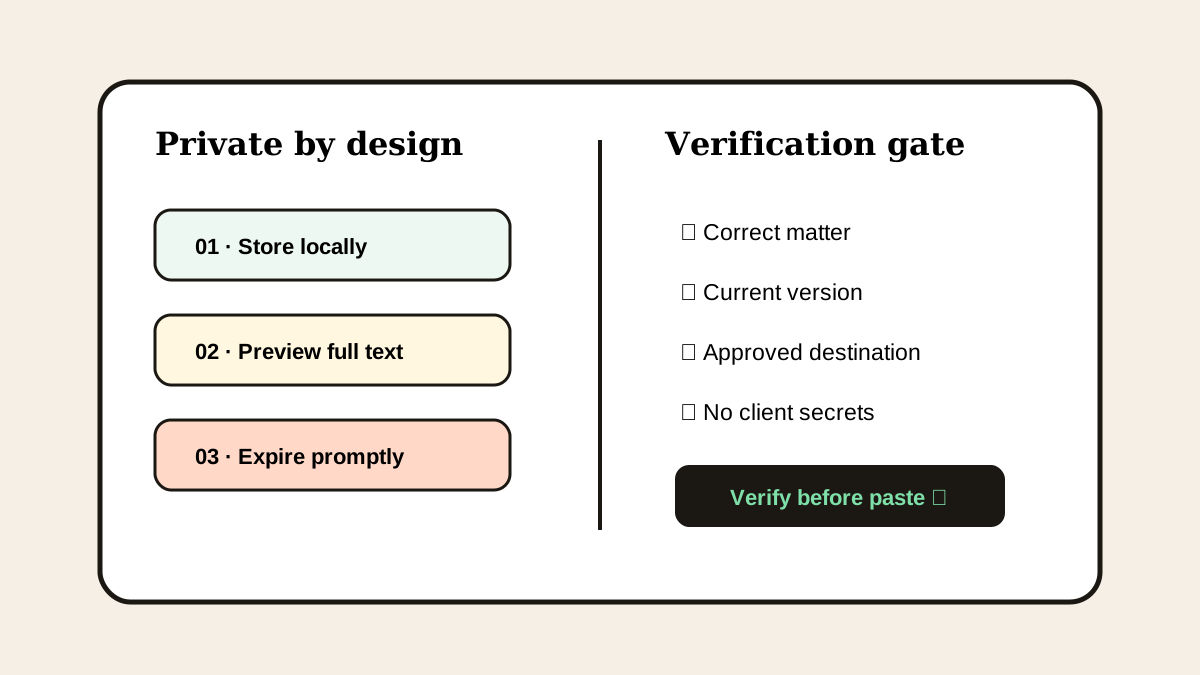
The short answerLegal professionals should use clipboard history only when firm policy allows it and the tool provides local storage, exclusions, deletion, previews, and short retention for sensitive content. Save generic clause structures and public citations, not client secrets. Keep authoritative documents in the document management system and verify the matter, version, and destination before every paste.
The overview
Legal work moves text among research, email, contracts, case systems, and filings. A copied clause can outlive the immediate task inside an automatic history.
The most serious failure is not losing a clip; it is pasting confidential matter into the wrong client, document, or communication.
Why it happens
Clipboard tools capture across applications, while legal access controls are often organized by matter or repository. Those boundaries do not automatically transfer to the clipboard.
Similar party names, clauses, and document versions make previews essential.
Your step-by-step guide
Confirm policy and scope
Check whether clipboard history is permitted for the matter, device, and data classification.
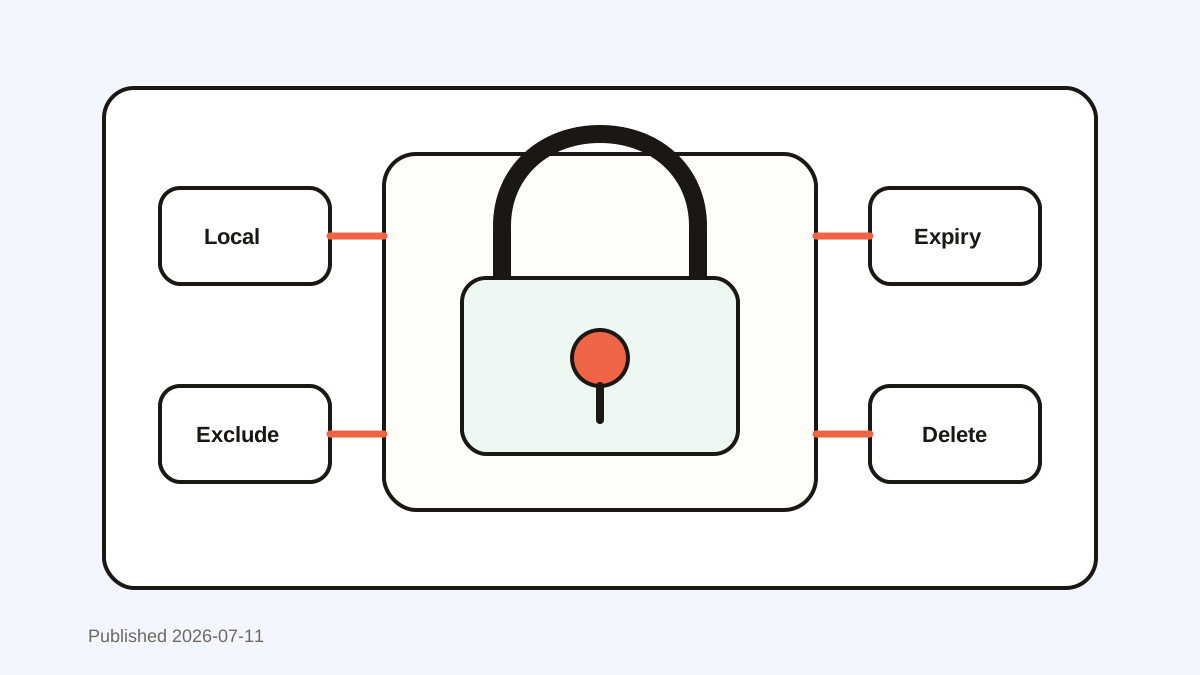
Use local storage and exclusions
Disable unapproved sync and exclude password managers or restricted apps where possible.
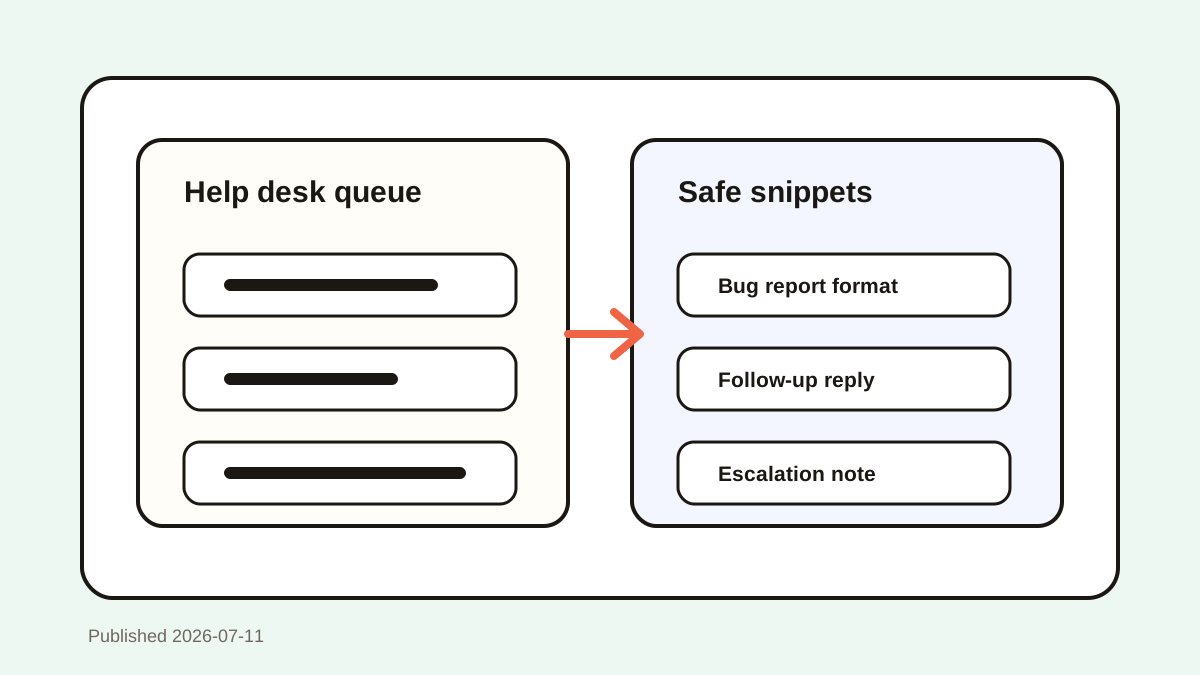
Save only generic templates
Remove party names, deal values, case facts, and privileged content from reusable snippets.
Preview and verify
Check the matter, document version, destination, and full clip before pasting.
Apply short retention
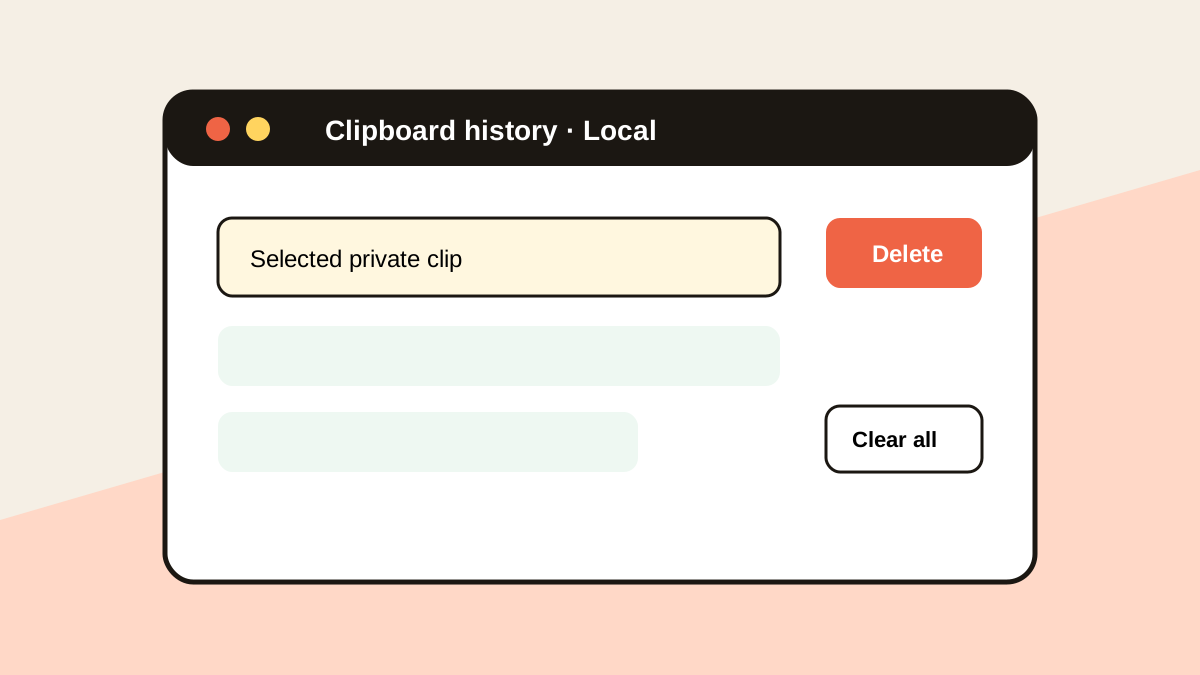
Delete matter-specific clips promptly and use automatic expiry for sensitive patterns.
Common mistakes to avoid
- Assuming local storage automatically satisfies firm policy.
- Favoriting client-specific clauses.
- Pasting without checking the document version.
- Using clipboard history as a legal record system.
Small changes. A faster workflow.
- Default to no capture for restricted matters.
- Use visible placeholders in templates.
- Keep authoritative text in approved repositories.
- Clear history before device handoff or screen sharing.
Compare your options
| Option | Best for | Limits |
|---|---|---|
| Document management system | Authoritative matter records | More steps for temporary text |
| Approved clause library | Governed reusable language | Requires maintenance |
| Local clipboard history | Temporary personal recovery | May be prohibited for some data |
Document management system
Best forAuthoritative matter records
LimitsMore steps for temporary text
Approved clause library
Best forGoverned reusable language
LimitsRequires maintenance
Local clipboard history
Best forTemporary personal recovery
LimitsMay be prohibited for some data
Put it into practice with Historr
Historr stores history locally, has no account or telemetry, ignores password-manager copies, and can auto-expire sensitive-looking items.
Quick Look lets you inspect full text before paste, and Clear All supports a deliberate privacy reset.
These controls support careful work, but firm policy and approved legal systems remain authoritative.
- Instant search
- Unlimited history
- Favorites
- Keyboard shortcuts
- Privacy
- Offline storage
- Quick preview
- Paste Stack

Keep your next good idea.
Free, private clipboard history for your Mac.
Questions, answered.
Is clipboard history safe for legal work?
Only when firm policy permits it and storage, access, retention, and deletion controls match the data.
Should client clauses be favorites?
No. Favorites should contain generic approved structures without client or matter details.
Is local storage enough?
No. Local storage helps, but device security, policy, retention, and matter restrictions still apply.
How do I prevent a wrong-client paste?
Preview the full clip and verify the matter, version, and destination before pasting.
Take it from here
For legal work, clipboard history must be narrow, local, reviewable, and disposable. Approved repositories hold records; the clipboard only supports temporary movement.
If you're looking for a faster way to search, organize, and reuse everything you copy, try Historr and see how much time you can save.