Clipboard Manager for Recruiters: Faster, Safer Outreach
Use a clipboard manager for recruiting outreach, interview scheduling, job links, and reusable responses without storing candidate secrets.

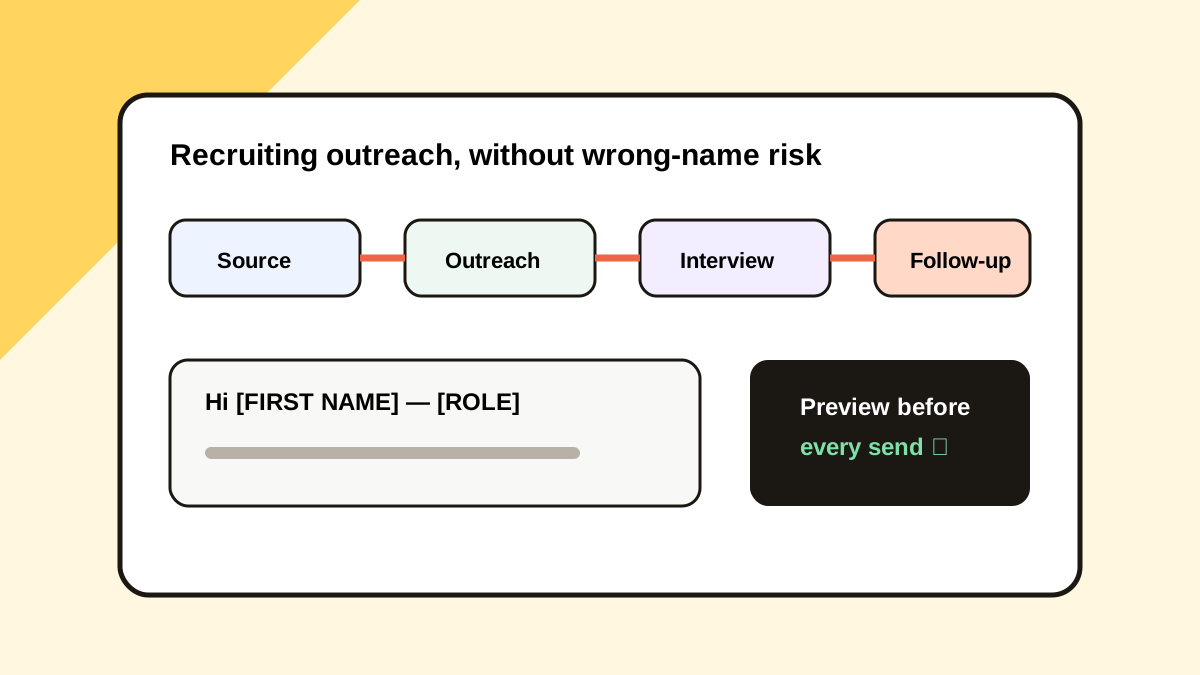
The short answerA clipboard manager helps recruiters reuse outreach structures, role links, interview instructions, scheduling text, and candidate follow-ups across email, ATS, LinkedIn, and calendars. Save only reusable templates with placeholders. Keep candidate records in the ATS, preview every message before sending, and delete compensation, identity, or assessment details from clipboard history promptly.
The overview
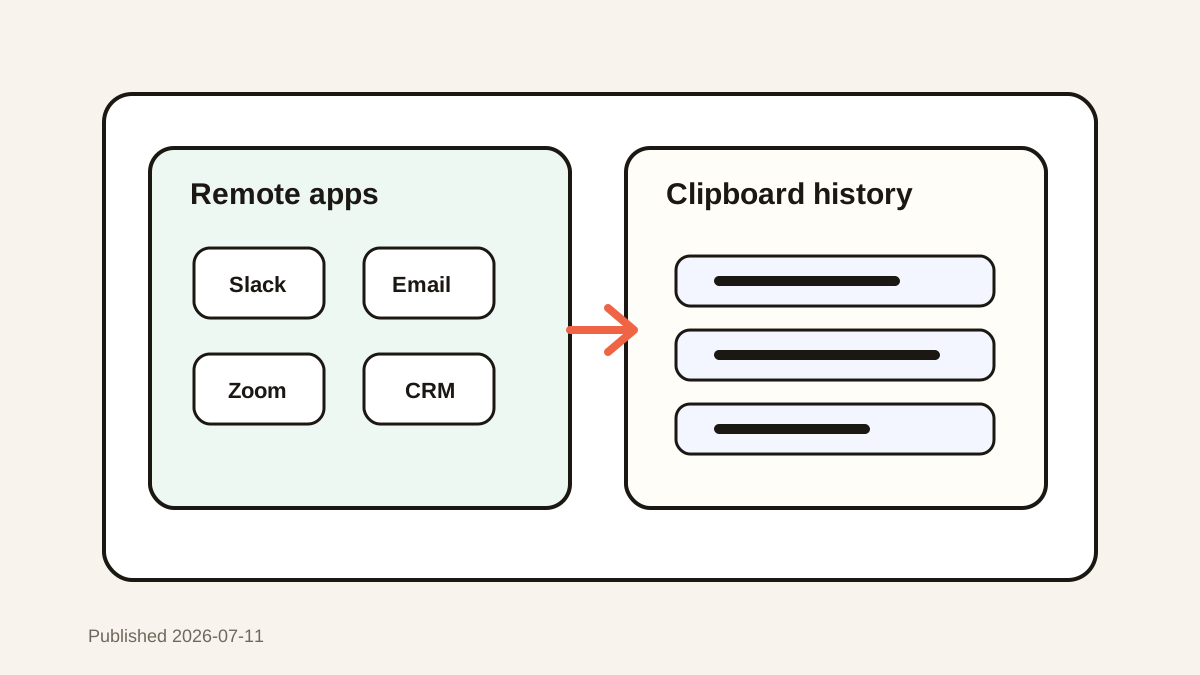
A recruiter may switch among 5 surfaces in one conversation: sourcing tool, ATS, email, calendar, and video meeting system.
Repeated copy and paste saves time, but stale names, role titles, and links create visible errors.
Why it happens
The same scheduling and process language appears across many candidates, while the personal opening and next step change each time.
Clipboard history captures useful text automatically, which also means private candidate details can remain unless retention is controlled.
Your step-by-step guide
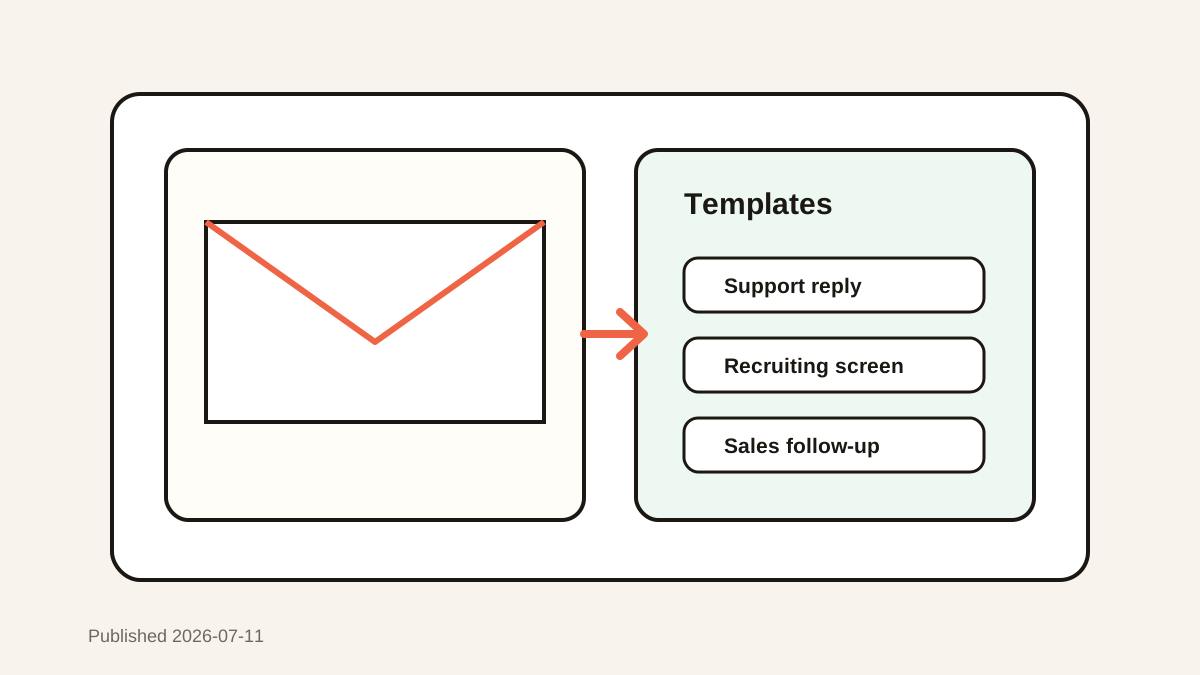
Create placeholder templates
Replace names, roles, dates, and links with visible tokens before adding a snippet to favorites.
Separate message stages
Keep distinct templates for first contact, screening, interview, feedback, offer, and closure.
Preview every paste
Check the candidate name, company, role, timezone, and meeting link before sending.
Delete candidate-specific clips
Remove compensation, assessment notes, identity details, and private messages after use.
Common mistakes to avoid
- Favoriting a message that contains a real candidate name.
- Sending the wrong role or scheduling link.
- Keeping assessment notes in clipboard history.
- Using one generic outreach message for every candidate.
Small changes. A faster workflow.
- Use obvious placeholders such as [FIRST NAME].
- Keep official records in the ATS.
- Favorite only approved reusable language.
- Personalize the opening and evidence of fit.
Compare your options
| Option | Best for | Limits |
|---|---|---|
| ATS templates | Approved team workflows | Lives inside one system |
| Clipboard favorites | Fast cross-app snippets | Needs privacy discipline |
| Text expansion | Short fixed phrases | Harder to preview long messages |
ATS templates
Best forApproved team workflows
LimitsLives inside one system
Clipboard favorites
Best forFast cross-app snippets
LimitsNeeds privacy discipline
Text expansion
Best forShort fixed phrases
LimitsHarder to preview long messages
Put it into practice with Historr
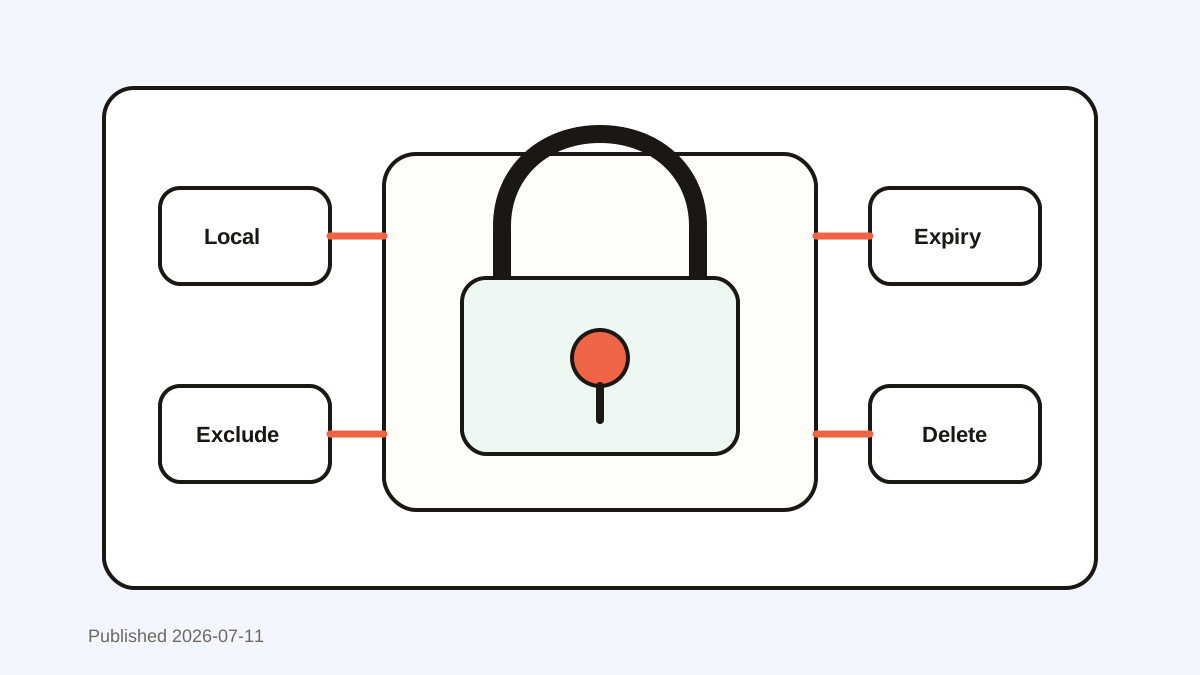
Historr gives recruiters local search, favorites, and previews without requiring a cloud account.
Use favorites for safe role links and approved templates, then search recent history for non-sensitive working text.
Sensitive auto-expiry and manual deletion help limit retention, but candidate systems remain the source of truth.
- Instant search
- Unlimited history
- Favorites
- Keyboard shortcuts
- Privacy
- Offline storage
- Quick preview
- Paste Stack

Keep your next good idea.
Free, private clipboard history for your Mac.
Questions, answered.
What recruiting snippets should I save?
Save role summaries, scheduling instructions, process explanations, and follow-ups with placeholders.
Should candidate notes live in clipboard history?
No. Keep official candidate records in the ATS.
How can I prevent wrong-name messages?
Use visible placeholders and preview the complete message before sending.
Is local clipboard storage enough for privacy?
It reduces transfer, but access controls, retention rules, and company policy still matter.
Take it from here
Recruiting speed should come from reusable structure, not reusable personal data. Keep templates generic, records in the ATS, and every outbound message reviewed.
If you're looking for a faster way to search, organize, and reuse everything you copy, try Historr and see how much time you can save.