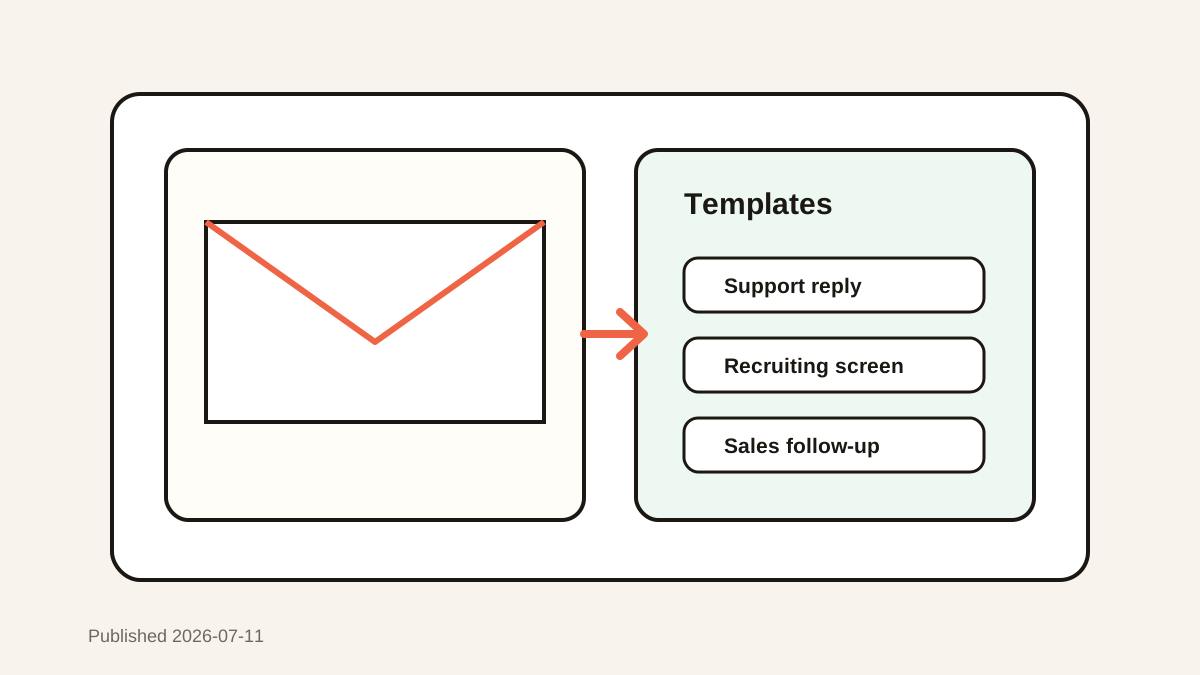
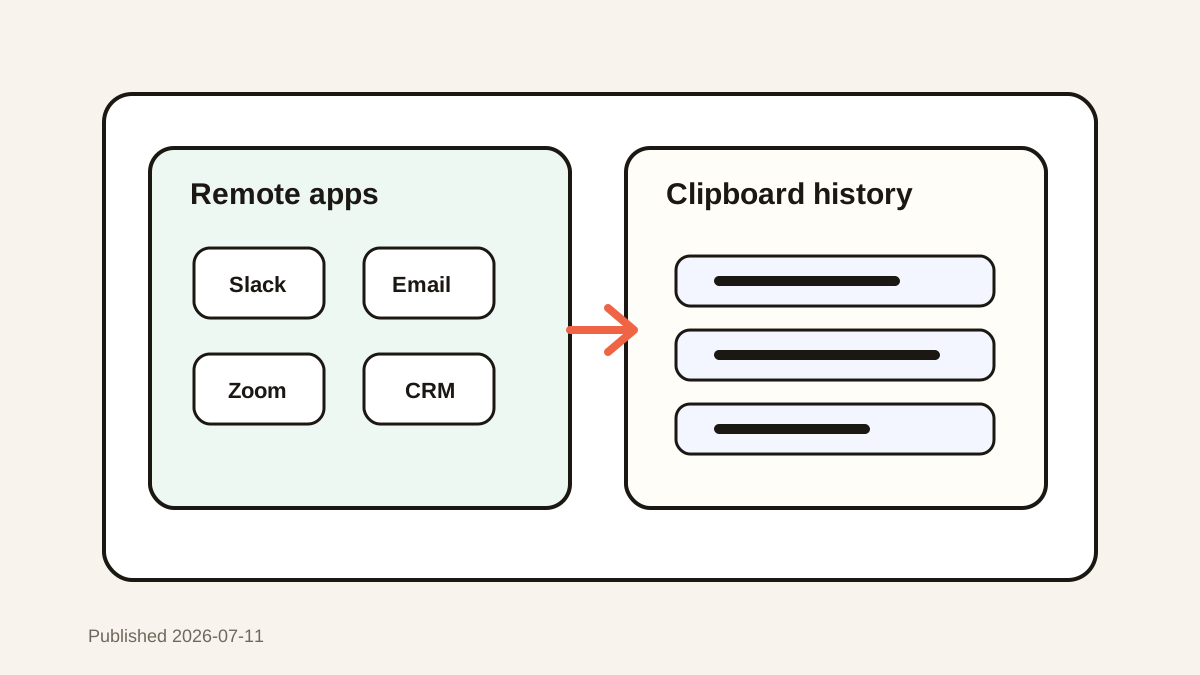
Clipboard Manager for Virtual Assistants and Repetitive Tasks
Speed up virtual assistant form filling, scheduling, research, and email tasks with searchable templates, Paste Stack, previews, and client separation.

The short answerA clipboard manager helps virtual assistants reuse safe templates, calendar links, contact details, research notes, and ordered form values across client tools. Use favorites for generic approved text, Paste Stack for repeated fields, and previews before every client-facing paste. Keep client records in approved systems and delete personal, financial, or credential data promptly.
The overview
Scheduling, inbox management, lead research, CMS updates, and data entry can require dozens of small copy actions each hour.
The worst error is not a slow paste. It is a fast paste that sends Client A’s name, link, or private detail into Client B’s workspace.
Why it happens
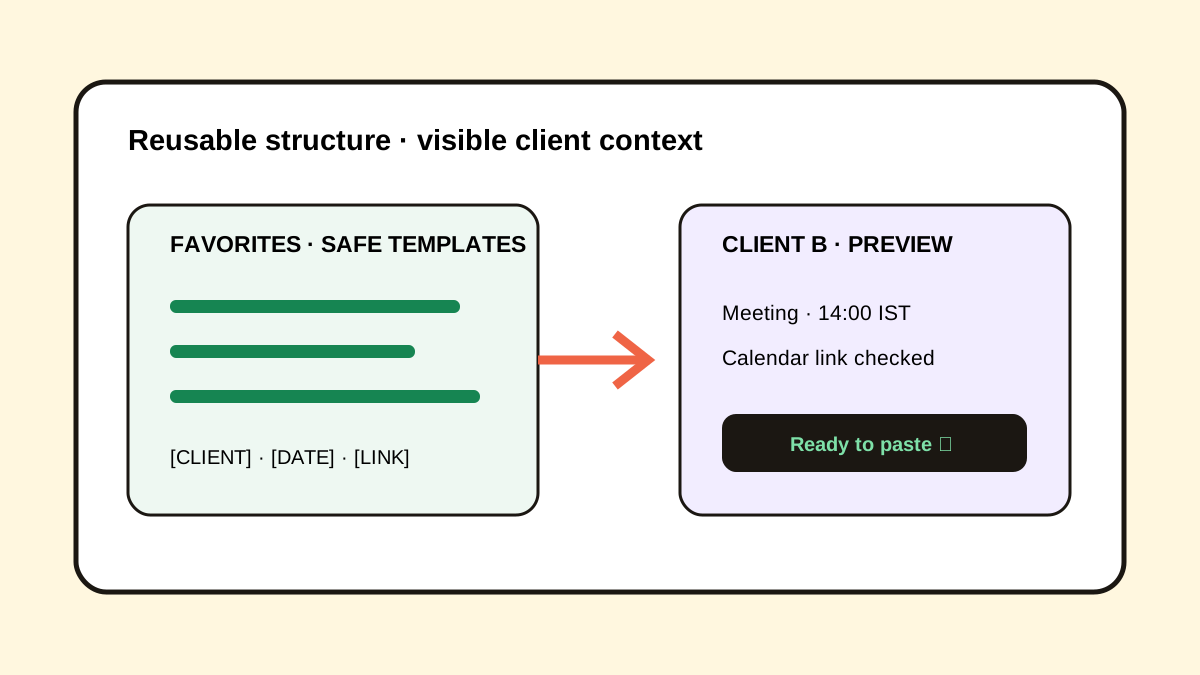
Reusable structures and client-specific values often look similar in a clipboard list. Without placeholders and previews, context becomes invisible.
The default clipboard also encourages returning to source tools repeatedly, which increases switching and accidental edits.
Your step-by-step guide
Separate generic and client-specific text
Favorite approved generic templates and leave client values in temporary searchable history.
Use visible placeholders
Prepare templates with labels such as [CLIENT], [DATE], [TIMEZONE], and [LINK].
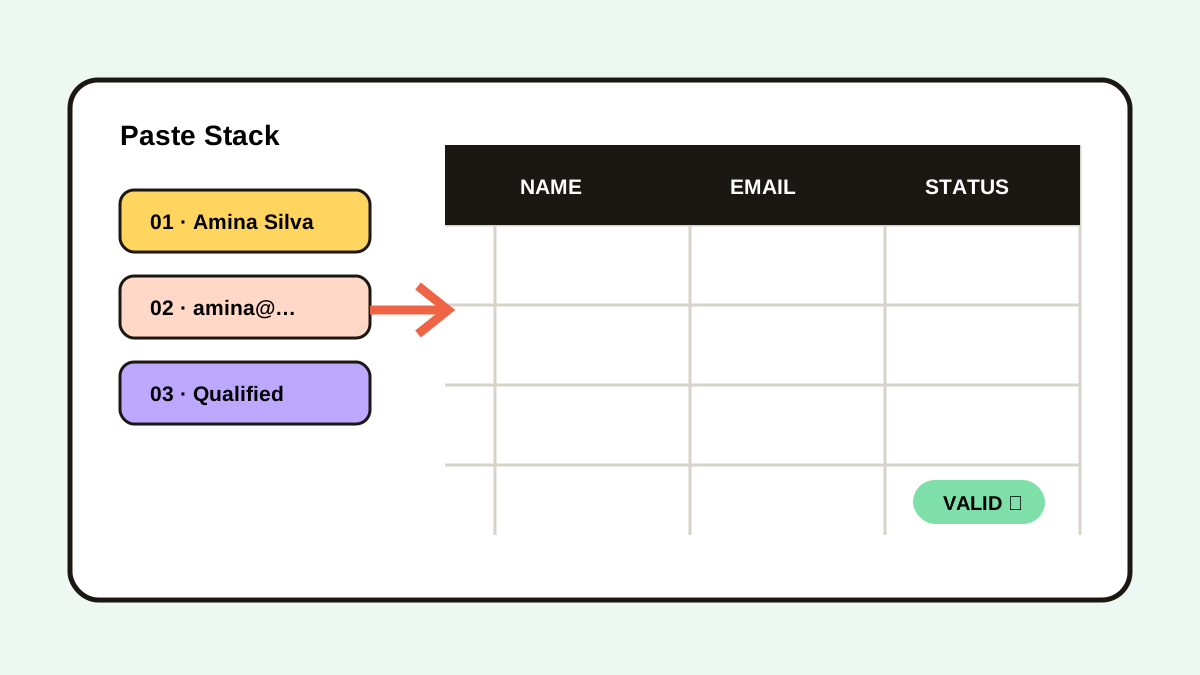
Queue repeated form fields
Use Paste Stack when a stable set of values must enter several fields in order.
Preview before client-facing paste
Confirm the client, destination, date, timezone, and link before submitting or sending.
Close with cleanup
Move records into the approved CRM or project system and remove sensitive temporary clips.
Common mistakes to avoid
- Saving client credentials as favorites.
- Using a template without replacing every placeholder.
- Mixing timezones in scheduling text.
- Treating clipboard history as the client database.
Small changes. A faster workflow.
- Start snippets with a purpose label.
- Keep client names visible while switching.
- Use Paste Stack for stable field sequences.
- Perform a privacy cleanup at the end of each client block.
Compare your options
| Option | Best for | Limits |
|---|---|---|
| CRM or project system | Authoritative client records | Slower for temporary working text |
| Text expander | Short fixed templates | Less useful for recent client context |
| Clipboard manager | Cross-app recovery and sequential entry | Requires client and privacy checks |
CRM or project system
Best forAuthoritative client records
LimitsSlower for temporary working text
Text expander
Best forShort fixed templates
LimitsLess useful for recent client context
Clipboard manager
Best forCross-app recovery and sequential entry
LimitsRequires client and privacy checks
Put it into practice with Historr
Historr combines favorites, instant search, full preview, time groups, and Paste Stack in a keyboard-first Mac workflow.
Because history stays local with no account or telemetry, it avoids unnecessary cloud transfer of routine working context.
Client policy still controls what may be copied, retained, or deleted.
- Instant search
- Unlimited history
- Favorites
- Keyboard shortcuts
- Privacy
- Offline storage
- Quick preview
- Paste Stack

Keep your next good idea.
Free, private clipboard history for your Mac.
Questions, answered.
What should virtual assistants save as favorites?
Save approved generic replies, safe scheduling language, public links, and placeholder templates.
Can clipboard history fill several form fields?
Yes. A sequential Paste Stack can distribute queued values in a fixed order.
How do I avoid wrong-client pastes?
Keep the client visible, use placeholders, and preview the full clip before every external action.
Should client passwords enter clipboard history?
No. Use a password manager and clipboard exclusions for credentials.
Take it from here
The best assistant workflow combines generic reusable structure with strict client context. Search and sequence create speed; previews and cleanup create trust.
If you're looking for a faster way to search, organize, and reuse everything you copy, try Historr and see how much time you can save.