Collect Podcast Episode Assets From Mac Folders for Handoff
Stage approved audio, cover art, transcript and show notes from separate Mac folders, then verify the episode package before delivery.

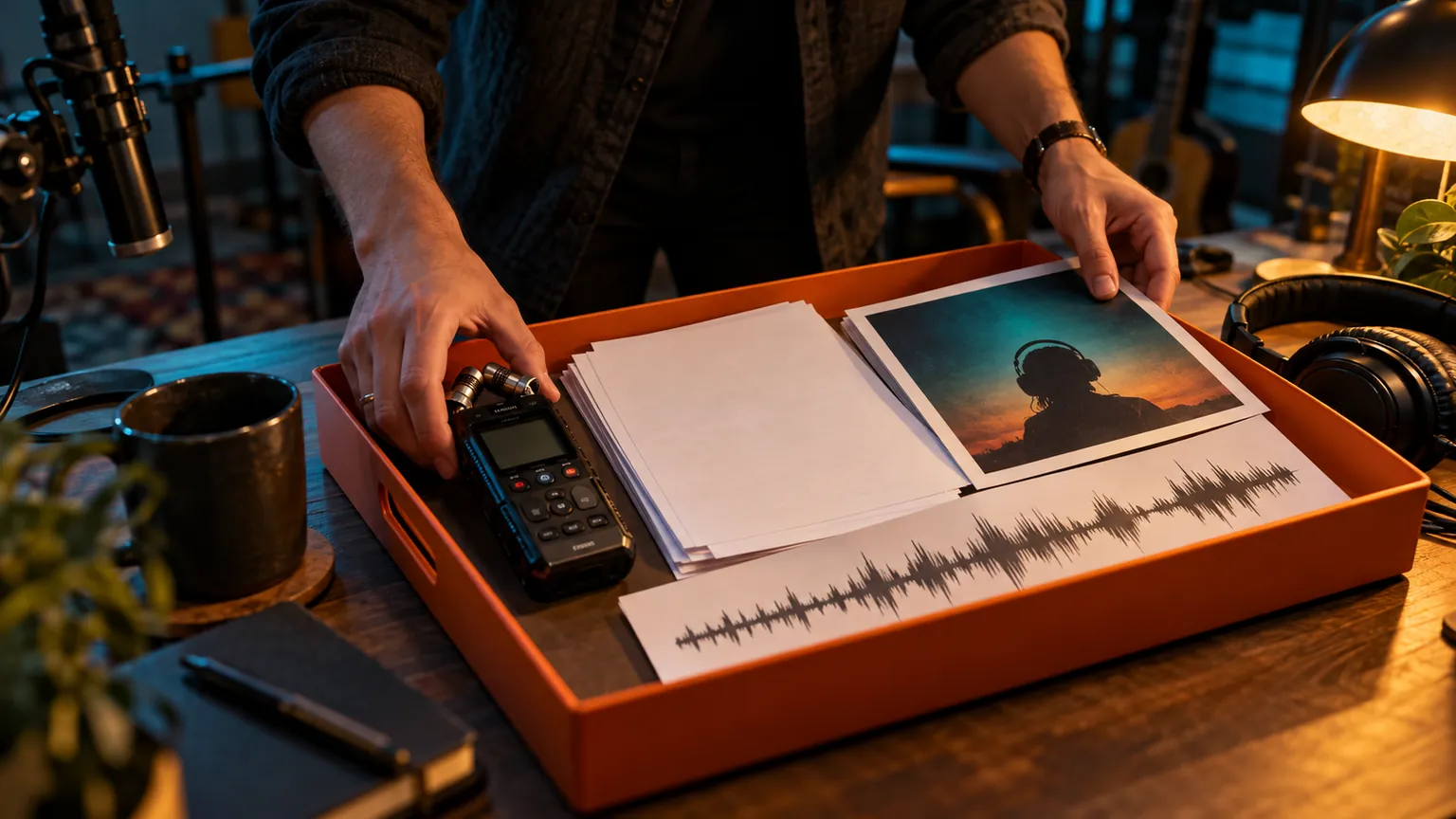
Original conceptual cover; no real customer, sponsor or meeting data is depicted.
The short answerOpen a Historr Drag Shelf with Option-Shift-D and add the approved episode audio, artwork, transcript and show notes from their Finder folders. Expand the shelf to check filenames and versions, then Save to Folder or drag copies into a compatible destination. Historr does not edit audio, verify loudness or publish an episode; save the final package outside the temporary shelf before quitting.
Why do episode assets scatter?
The near-final mix may have a similar name to the approved master. A draft transcript or placeholder art can also slip into the same batch.
A shelf helps gather candidates in one place, but a recipient still needs clear version labels, agreed formats and an actual durable delivery folder.
What does a shelf do with originals?
Historr's Drag Shelf references existing disk files instead of moving them from their source locations. Outgoing drags copy existing files.
The shelf is temporary and clears on quit. It does not inspect audio quality, check licensing for music or convert a draft into a publishable asset.
How do you prepare a checked episode pack?
Confirm the approved package
Check the episode number, master audio filename, artwork revision, transcript status and show-note approval against your production checklist.
Collect from each location
Open a shelf with Option-Shift-D and drag the final files into it. Name it for the episode so another production batch stays separate.
Inspect the file list
Expand the shelf and Quick Look documents and art. Open the audio in a suitable player or editor to verify the correct master and duration.
Save and deliver
Use Save to Folder or drag copies into a compatible shared destination. Confirm the uploaded files, access rights and recipient checklist before marking the episode handed off.
Common mistakes to avoid
- Sending a pre-master audio export.
- Leaving the only assembled package in a shelf before quitting.
- Assuming a file preview checks music rights or audio standards.
Where should final podcast files live?
- Include the episode number in final filenames.
- Keep the source session and final exports separate.
- Use a durable handoff folder as the delivery record.
Compare your options
| Option | Best for | Limits |
|---|---|---|
| Historr shelf | Quick cross-folder staging | Temporary and no audio validation |
| Production folder | Durable approved episode pack | Needs version discipline |
| Podcast host | Publishing and distribution | Requires final metadata and upload checks |
Historr shelf
Best forQuick cross-folder staging
LimitsTemporary and no audio validation
Production folder
Best forDurable approved episode pack
LimitsNeeds version discipline
Podcast host
Best forPublishing and distribution
LimitsRequires final metadata and upload checks
Put it into practice with Historr
Historr is free and useful at the handoff stage: it gathers files from multiple locations without relocating originals, then helps the producer check a batch before saving it.
The app is not an audio workstation or podcast host. Keep release decisions, licenses and publication in their normal systems.
- Collect files & folders
- Images, links & text
- Multiple shelves
- Quick Look
- Save to Folder
- Compress to ZIP
- Resize Images
- Extract Text

Give your next drag a place to land.
Drag Shelf is included in Historr 0.1.5 and later.
Questions, answered.
Does Historr move my audio master?
No. Existing files stay in their source folders; outgoing shelf drags copy them.
Can it publish a podcast episode?
No. Historr stages and transfers files; publishing happens in your podcast platform.
Will a shelf remain after quitting?
No. Save the final package to a durable destination first.
Does Quick Look verify audio loudness?
No. Use an appropriate audio tool to check technical delivery requirements.
Take it from here
A clean episode handoff needs the right master, matching supporting files and a durable destination. A shelf makes gathering those candidates easier.
For supported actions, shortcuts, and settings, see the Drag Shelf documentation.