Curate Newsletter Links With Clipboard History
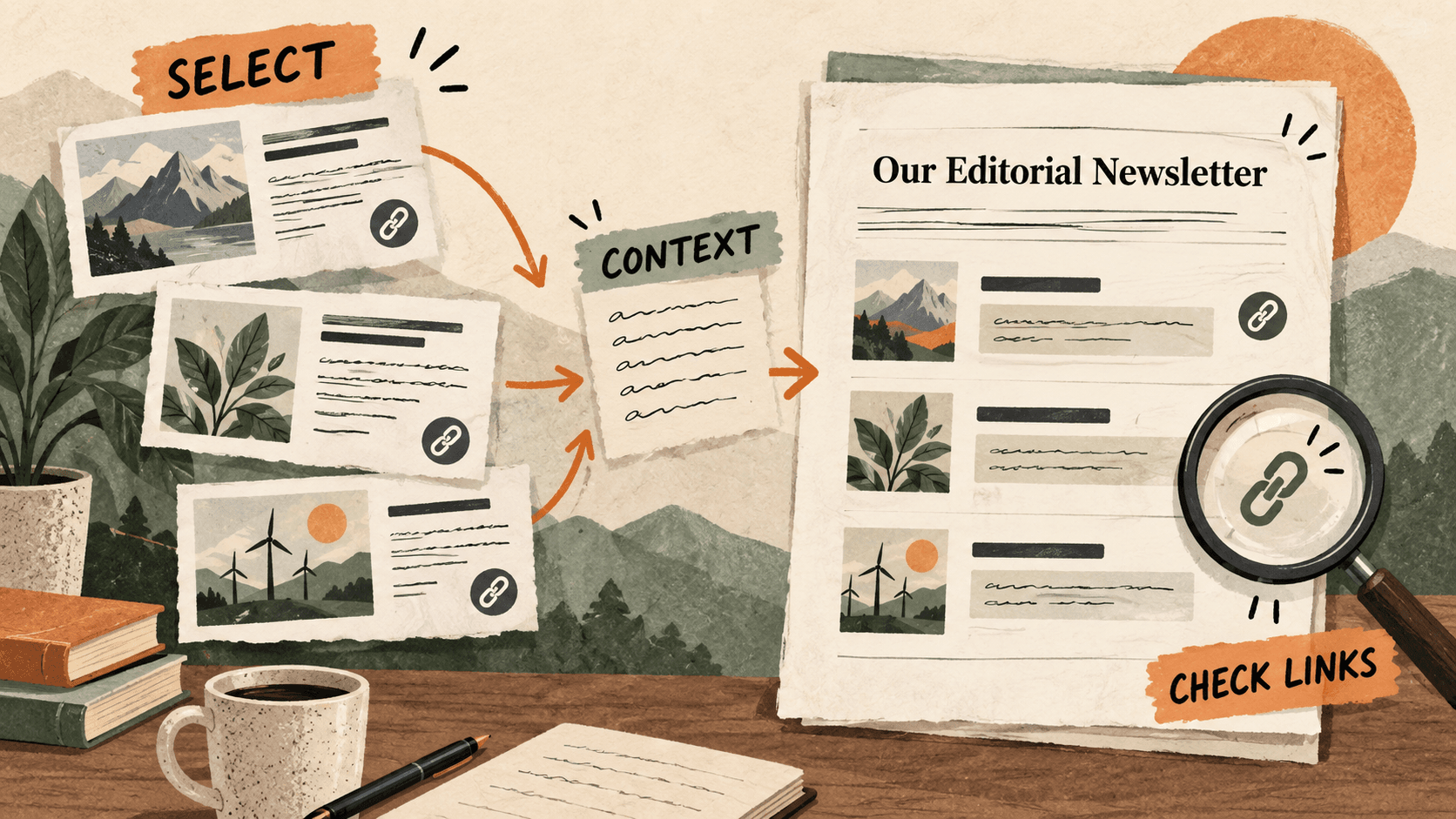
Quick Answer: Collect candidate links, choose those that fit the issue’s theme, and write a short reason to read each one. Check every destination in the final newsletter draft.
What problem does newsletter link curation solve?
A week of browsing can leave dozens of interesting links but no clear newsletter. Curation means deciding which items belong together and explaining their relevance to the reader.
A title alone can be misleading. A useful entry gives the reader enough context to decide whether the linked piece is worth opening.
Why do newsletter link curation issues happen?
Copied URLs often arrive without the sentence that made them interesting. Later, several similar pages can be hard to distinguish.
The newsletter draft may also retain a link from an earlier issue when you reuse its layout. A familiar label can conceal an incorrect destination.
How can you solve it step by step?
1. Choose one editorial theme
Write a sentence describing what this issue helps the reader understand or do. Use it to select links, rather than including every item saved during the week.
2. Recover and annotate candidates
Search Historr for a domain or distinctive topic phrase. Open each candidate and add a short note about why it matters. Record the title and source so the working list remains understandable.
3. Read before recommending
Check that the linked piece actually supports your summary. Separate the author’s position from your commentary. If a date or product claim matters to the entry, verify it in the source before writing.
4. Write a useful link entry
Use a descriptive title and one or two original sentences explaining relevance. Avoid copying the opening paragraph. Note access requirements when they materially affect the reader’s ability to use the resource.
5. Review the final draft’s destinations
Open every link from the assembled draft, including repeated footer links. Check for duplicates, leftover placeholders, and labels that describe a different page. Send through your normal publishing review.
Which common mistakes should you avoid?
- Recommending an article based only on its headline.
- Copying a source’s introduction as your own summary.
- Reusing an old label while leaving its previous URL underneath.
Which expert tips make the workflow faster?
Comparison table for newsletter link curation
| Option | Best for | Limits |
|---|---|---|
| Clipboard history | Recovering candidate URLs | Does not establish editorial relevance |
| Curated working list | Comparing candidates with notes | Needs reading and selection |
| Newsletter draft | Presenting a coherent issue | Needs final link checks |
How does Historr make clipboard management easier?
Historr recognizes links and provides an Open action, which can help you revisit a copied resource. Search makes a remembered domain or phrase useful as a retrieval clue.
Use the newsletter tool for layout, audience selection, and sending. Historr helps with collection and reuse, not editorial verification.
What do people ask about newsletter link curation?
How many links should an issue include?
Choose the number that supports the issue’s purpose without repeating the same point. A short coherent set can be more useful than an unfiltered list.
Can I summarize a page from its title?
Read the relevant content first so the summary reflects what the page actually says.
Should I keep all candidate links in favorites?
Favorite stable reusable snippets. Keep the issue’s candidate list and editorial notes in the newsletter project.
What is the final verdict?
A curated newsletter is a selection with a point of view. Recover the links, explain their relevance in your own words, and check the final destinations.
If you're looking for a faster way to search, organize, and reuse everything you copy, try Historr and see how much time you can save.