Organize Podcast Show Notes With Copied Clips
Quick Answer: Collect topic notes, timestamps, and resource links together, then verify them against the final audio edit before publishing the show notes.
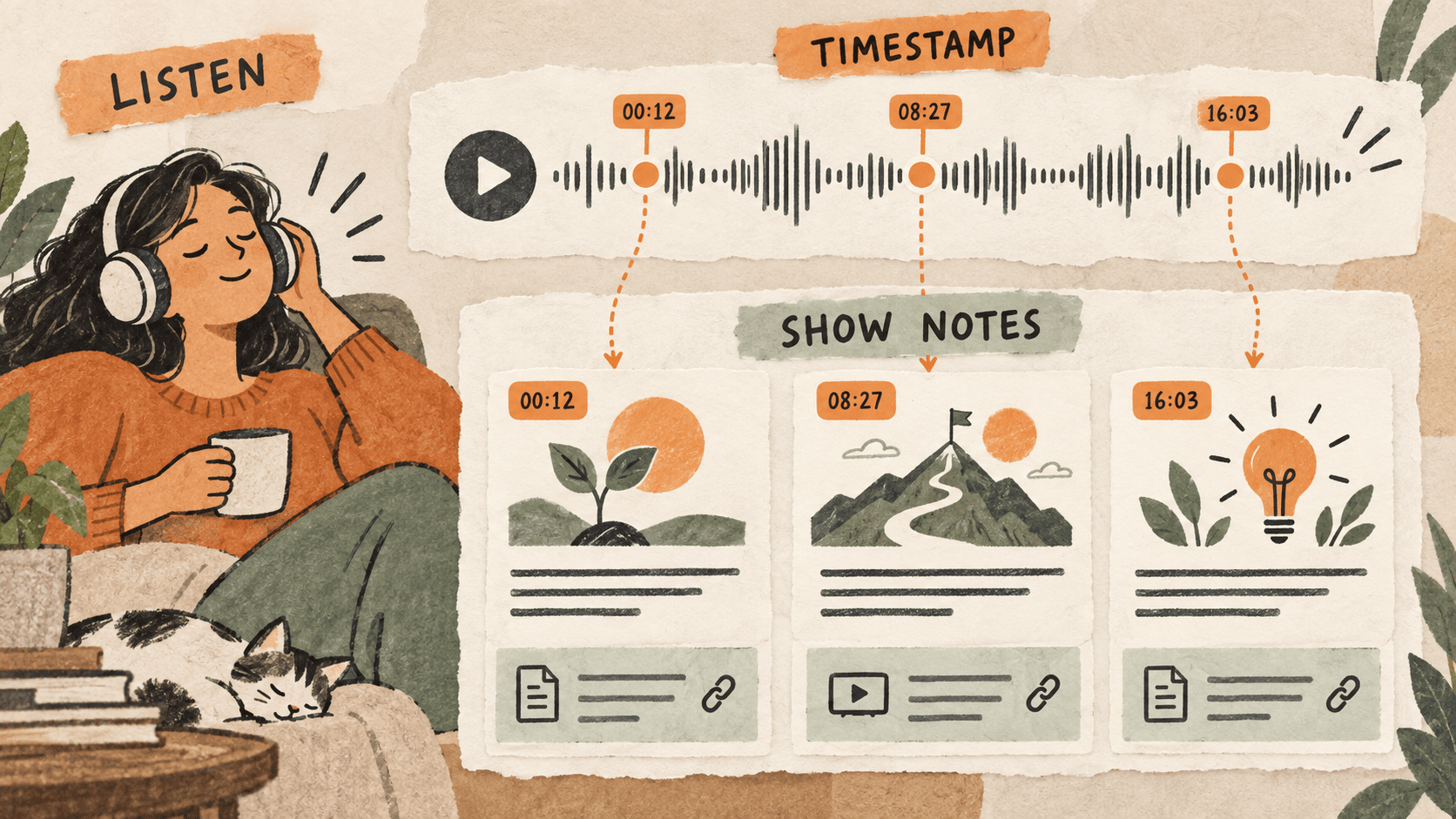
What problem does podcast show note organization solve?
Podcast notes often start as fragments: a guest’s resource link, a quote from the transcript, and a timestamp from a rough cut. They become useful when a listener can follow them back to the right moment or resource.
An edit that removes the introduction can shift every later timestamp. Even a neatly formatted draft needs a final audio check.
Why do podcast show note organization issues happen?
The transcript, editing timeline, and publishing draft may reflect different versions of the episode. Copied details can be correct for one version and wrong for another.
Links mentioned verbally are also easy to mistake for a similarly named resource. A recovered URL needs checking, not just pasting.
How can you solve it step by step?
1. Make an episode-specific scratch note
Record the episode title and which audio version you are using. Create fields for Topic, Timestamp, Resource, and Verification so working fragments stay attached to one episode.
2. Pair each topic with its moment
Copy or type a short topic label beside its timestamp. Keep transcript quotes distinct from your own summaries. If the timestamp is from a rough cut, mark it provisional.
3. Gather and inspect resource links
Use clipboard search to recover copied URLs or resource names. Open each destination and confirm it is the resource actually discussed. Use a descriptive label that listeners can understand.
4. Write a concise listening guide
Choose the main topics rather than transcribing every exchange. Describe what each segment covers without adding claims the speaker did not make. Keep quoted wording exact if you include it.
5. Verify against the final audio
Check every chapter marker in the final version and confirm the hosting platform’s accepted timestamp format. Review guest names, titles, and links before placing the notes in the publishing system.
Which common mistakes should you avoid?
- Publishing rough-cut timestamps after the audio changes.
- Attributing a paraphrase as a direct quote.
- Linking to a similarly named resource without checking it.
Which expert tips make the workflow faster?
Comparison table for podcast show note organization
| Option | Best for | Limits |
|---|---|---|
| Transcript | Finding spoken material | May contain transcription errors |
| Clipboard history | Recovering links and excerpts | Cannot validate final timing |
| Final audio | Checking wording and timestamps | Requires listening review |
How does Historr make clipboard management easier?
Historr search can recover copied resource links and transcript excerpts. Quick Look lets you inspect a longer passage before summarizing it.
Historr does not transcribe audio or adjust timestamps after an edit. Perform those checks in your audio and publishing workflow.
What do people ask about podcast show note organization?
When should I finalize timestamps?
After the audio edit is final. Any earlier timing should be treated as provisional.
Can I paste a transcript paragraph into show notes?
You can use it as source material, but review the wording and make the notes useful for listeners. Mark exact quotations clearly.
Can clipboard history identify a spoken resource?
It can recover a link you previously copied, but you must confirm that it matches the resource mentioned in the episode.
What is the final verdict?
Show notes should lead listeners to the right moment and the right resource. Collect freely while drafting, then check the final audio and every destination link.
If you're looking for a faster way to search, organize, and reuse everything you copy, try Historr and see how much time you can save.