Drag Shelf Not Opening When You Shake? Fix It on Mac
Troubleshoot Historr's shake-to-open Drag Shelf: check active dragging, Accessibility permission, sensitivity, supported items, and keyboard alternatives.

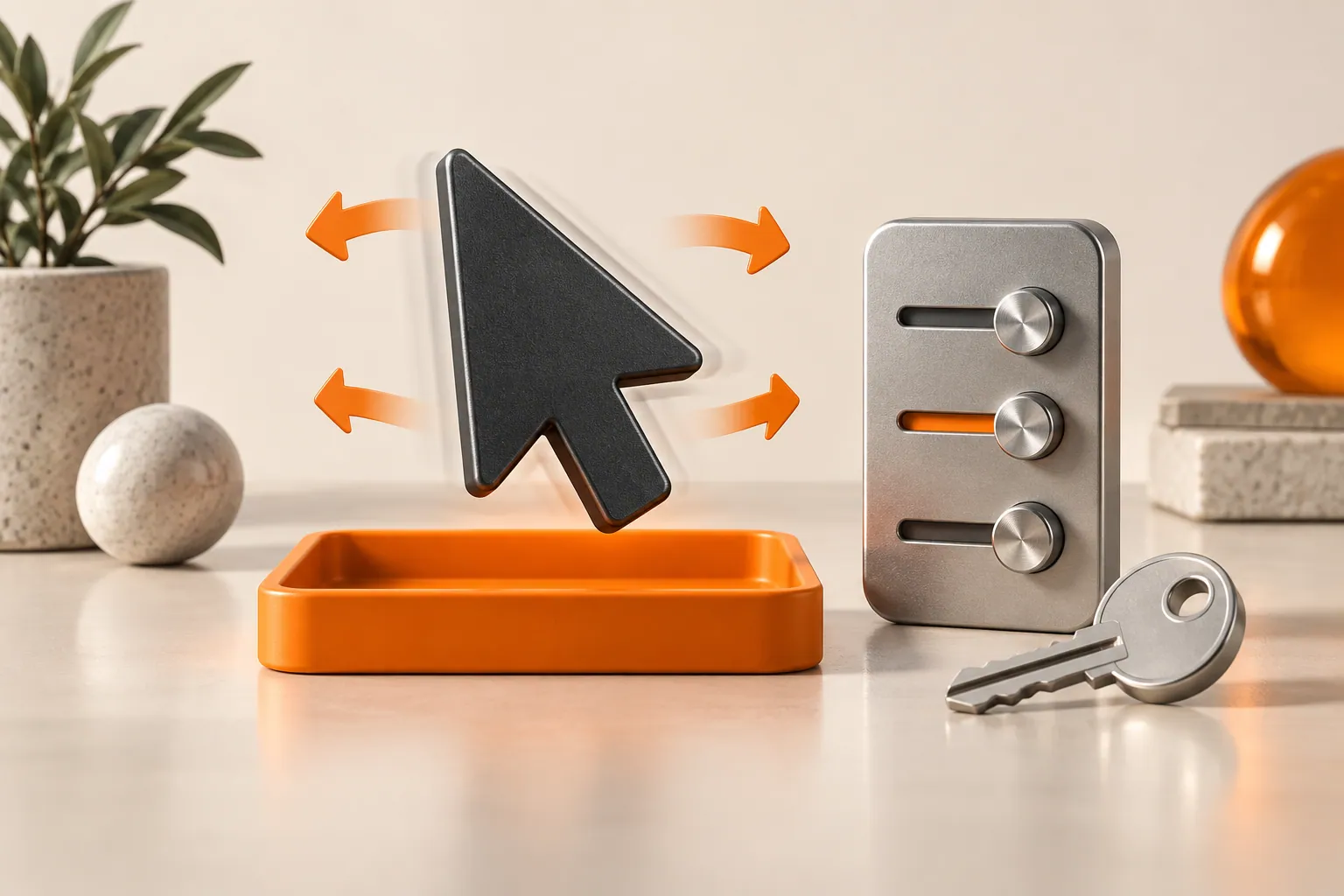
Conceptual illustration of the workflow, not a screenshot of Historr.
The short answerStart dragging a supported file or other item before shaking left and right. Check that Historr has Accessibility permission and that Shake while dragging is enabled in Preferences. Try higher sensitivity, move away from an existing shelf, or use Option-Shift-D or a menu-bar drop to separate gesture trouble from shelf trouble.
Is the gesture or the source item failing?
There are several ways for a drag to look active without being the kind the shelf accepts. Selecting text, moving a window, or wiggling the pointer before an item is actually picked up should not summon a shelf.
Troubleshooting works best with a simple test. Start with a local file in Finder, not an unusual app-specific object. If that works, the remaining issue may be the source item's drag representation rather than Historr's gesture detector.
What conditions trigger a shelf?
Historr observes horizontal direction changes during a live left-button drag. The detector checks for a new drag session rather than reacting to all pointer motion, and it uses a brief cooldown to avoid creating shelves continuously.
The global event observer relies on Accessibility permission. The app also checks its shake-enabled preference and sensitivity setting. In addition, shaking over an already visible shelf intentionally avoids spawning another one.
How do you diagnose shake-to-open problems?
Confirm the feature is installed
Use Historr 0.1.5 or later. Look for New Shelf in the menu-bar menu and try Option-Shift-D. If you are on an older version, use the app's Check for Updates action or obtain the current download.
Test with a local Finder file
Press and hold on a file, begin dragging it, then move left and right while keeping the button down. Release only when the shelf appears. Moving an app window or selecting text is not the same as carrying a draggable item.
Check the permission and setting
Open System Settings, Privacy & Security, Accessibility and check Historr's entry. In Historr Preferences, confirm Shake while dragging to open a shelf is enabled. Grant permission only if you choose to trust the installed app.
Adjust sensitivity deliberately
Try High if the gesture feels difficult to trigger, or Low if shelves appear too readily. Shake away from an existing shelf and leave a brief pause between attempts. The setting changes how much movement qualifies, not which item types are accepted.
Compare the alternative entry points
Press Option-Shift-D and drop the test file onto the empty shelf, or drop it on Historr's menu-bar icon. If these work but shaking does not, focus on gesture settings and permission. If one source app alone fails, test the same content as a normal exported file.
Common mistakes to avoid
- Shaking before picking up the item or after releasing the mouse button.
- Using repeated gestures directly over an existing shelf and expecting new ones.
- Changing several settings at once without retesting the same simple file.
Which shelf entry point should you test?
- The keyboard and menu-bar entry points are useful alternatives when you prefer not to use the gesture.
- A reused empty shelf may appear at the pointer instead of a new empty shelf.
- When asking for help, include the installed version, source app, item type, and whether the keyboard-opened shelf accepts the item.
Compare your options
| Option | Best for | Limits |
|---|---|---|
| Shake during drag | Summoning a shelf under an active dragged item | Needs the gesture setting, Accessibility permission, and supported content |
| Option-Shift-D | Opening an empty shelf before collecting | Does not add the item until you drop or paste it |
| Menu-bar drop | Creating a shelf directly from a supported selection | Requires a source that supplies supported drag data |
Put it into practice with Historr
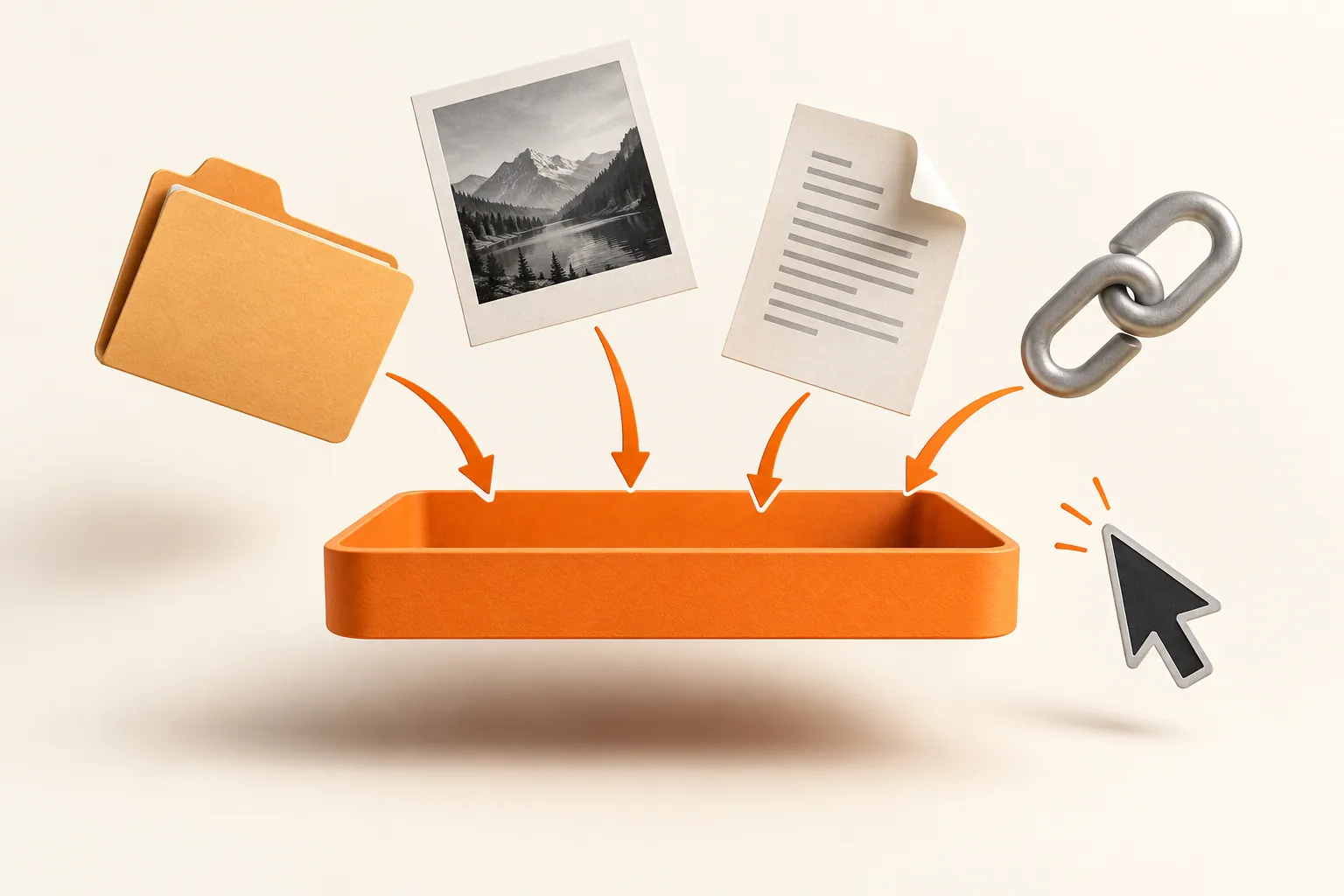
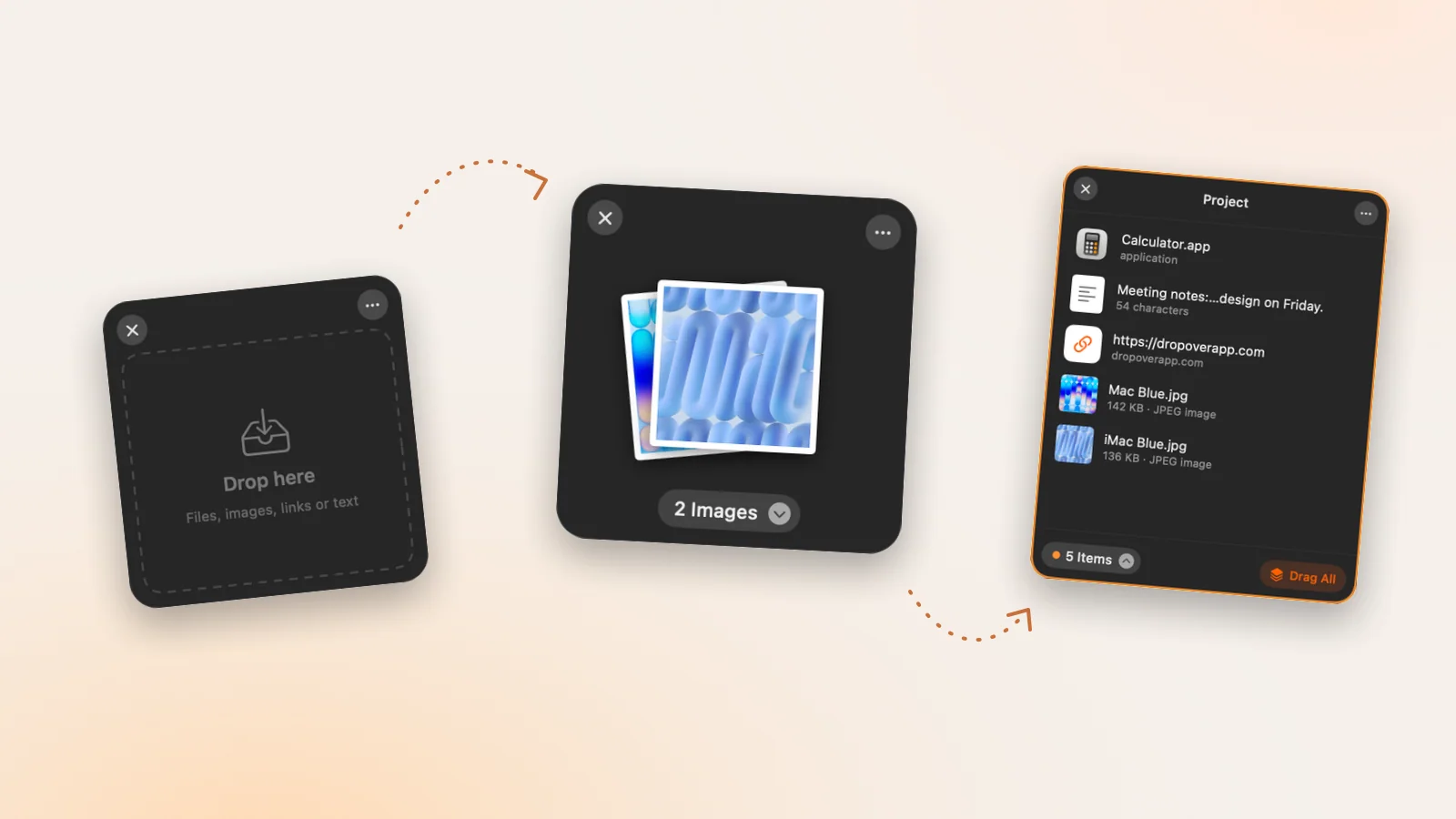
The shelf accepts file URLs, links, PNG or TIFF image data, plain text, and supported file promises. A custom object supplied by a source app may not expose one of those representations; exporting or copying it in a supported form can help identify that boundary.
- Collect files & folders
- Images, links & text
- Multiple shelves
- Quick Look
- Save to Folder
- Compress to ZIP
- Resize Images
- Extract Text

Give your next drag a place to land.
Drag Shelf is included in Historr 0.1.5 and later.
Questions, answered.
Why does shaking the pointer alone do nothing?
The gesture is designed to fire during a real drag carrying supported content, not during ordinary pointer movement.
Does the shake gesture need Accessibility permission?
Yes. Historr's global drag-movement observer relies on that permission. Review it in System Settings under Privacy & Security, Accessibility.
Can I use Drag Shelf without shaking?
Yes. Open an empty shelf with Option-Shift-D or New Shelf, or drop supported items on the Historr menu-bar icon.
Why won't shaking create another shelf over the current one?
Historr intentionally avoids spawning another shelf when the pointer is inside an already visible shelf. Move away before summoning another.
Take it from here
Test one known file through the three entry points. That separates the drag gesture from permission, settings, and source-app compatibility, so you can fix the actual problem instead of guessing.
For supported actions, shortcuts, and settings, see the Drag Shelf documentation.