Keep Event Details Consistent Across Posts
Quick Answer: Keep one approved event record, copy from it into each draft, and check date, time, timezone, location, and registration link before publishing.
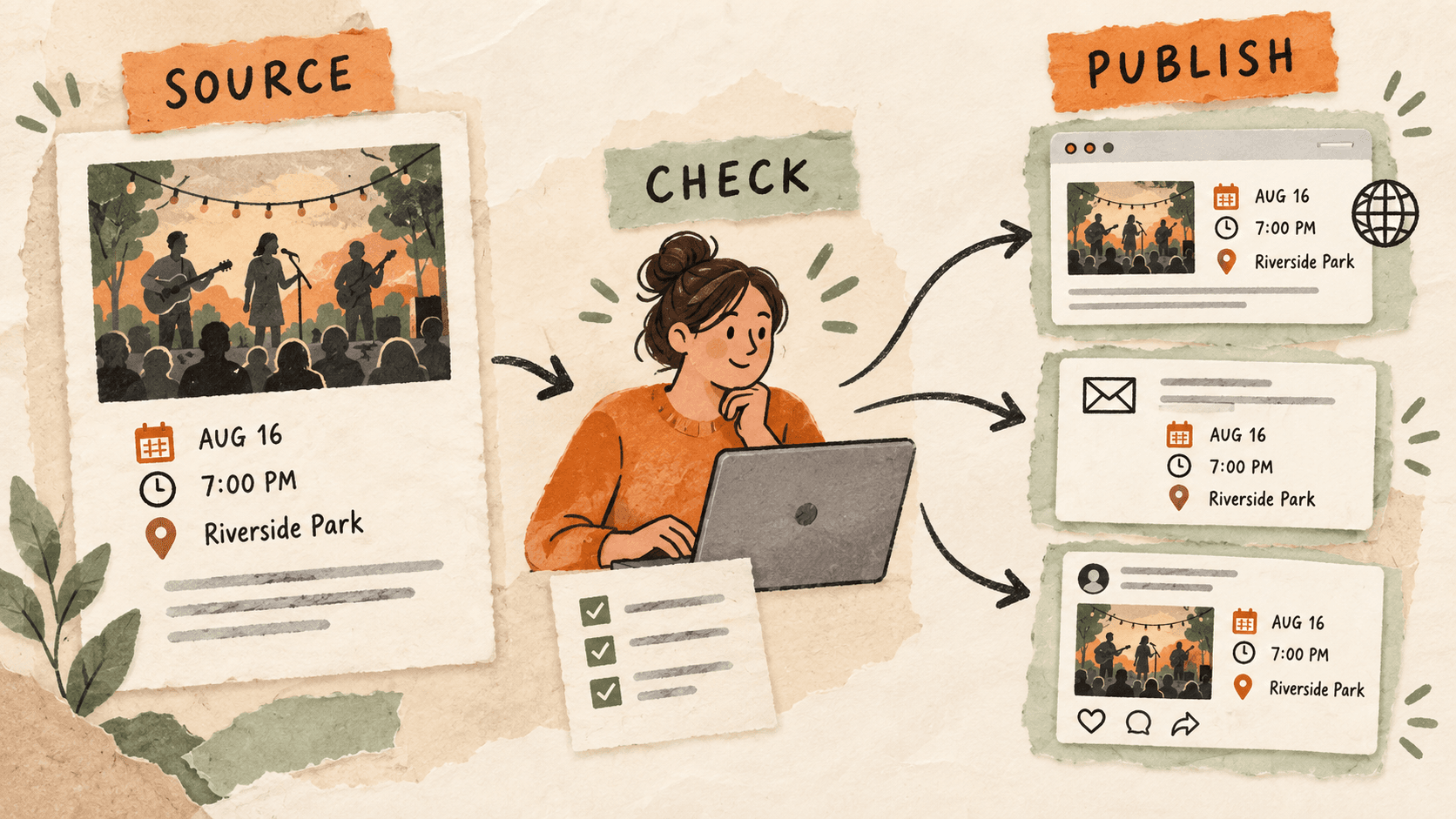
What problem does event detail consistency solve?
An event announcement can appear on a website, in email, and in several social posts. A change to the start time may reach one draft while the others keep the earlier value.
Copying a previous announcement saves effort, but it also brings along details that look plausible enough to escape a quick read.
Why do event detail consistency issues happen?
Clipboard history can contain several versions of the same event details. Recency alone is not proof that a clip is approved.
Each destination has different space and formatting constraints. Rewriting for a shorter post can accidentally remove a timezone or an important location detail.
How can you solve it step by step?
1. Create the approved event record
Record the event name, explicit date, start time, timezone, venue or online location, and registration URL. Identify who confirms changes so there is a clear source to check.
2. Prepare destination-specific templates
Keep reusable structures for email, web, and social drafts. Use visible placeholders for changing fields. Avoid saving a previous event’s complete announcement as the default template.
3. Copy the current values
Retrieve the template from favorites and fill it using the approved record. If you recover a detail from history, compare it with the current source before reuse.
4. Check the finished text in each destination
Verify that shortened copy still includes essential timing and location information. Open the registration link and confirm it points to the intended event. Preview line breaks and link labels.
5. Track changes across all drafts
If a detail changes, make a small list of every destination and update each one. Review already published copies separately from scheduled drafts so an old announcement is not overlooked.
Which common mistakes should you avoid?
- Leaving the timezone out of a remote event announcement.
- Using last month’s registration link.
- Updating the website while scheduled messages retain old details.
Which expert tips make the workflow faster?
Comparison table for event detail consistency
| Option | Best for | Limits |
|---|---|---|
| Approved event record | Maintaining current facts | Needs an owner |
| Clipboard favorites | Reusing announcement structures | Does not synchronize changes |
| Publishing checklist | Checking every destination | Requires follow-through |
How does Historr make clipboard management easier?
Historr favorites can hold generic announcement templates, and search can recover copied event links. Preview each recovered clip before using it.
Historr does not synchronize event details across published posts. Use the approved record and destination checklist to manage changes.
What do people ask about event detail consistency?
Can I save a full event post as a favorite?
A generic structure is safer for reuse. Replace dates, locations, and registration links with clear placeholders.
Will clipboard history update my scheduled posts?
No. Review and update each destination in its publishing tool.
What should I check before publishing?
Check the event name, date, time, timezone, location, and registration destination against the approved record.
What is the final verdict?
Consistent event copy begins with one current record. Reuse the structure, verify the changing facts, and track every destination when a detail changes.
If you're looking for a faster way to search, organize, and reuse everything you copy, try Historr and see how much time you can save.