Review Your Clipboard Favorites Without Losing Useful Snippets
Quick Answer: Review favorites in three groups: keep, update, and remove. Preserve stable reusable structures, replace stale details with placeholders, and move lasting records into their proper project system.
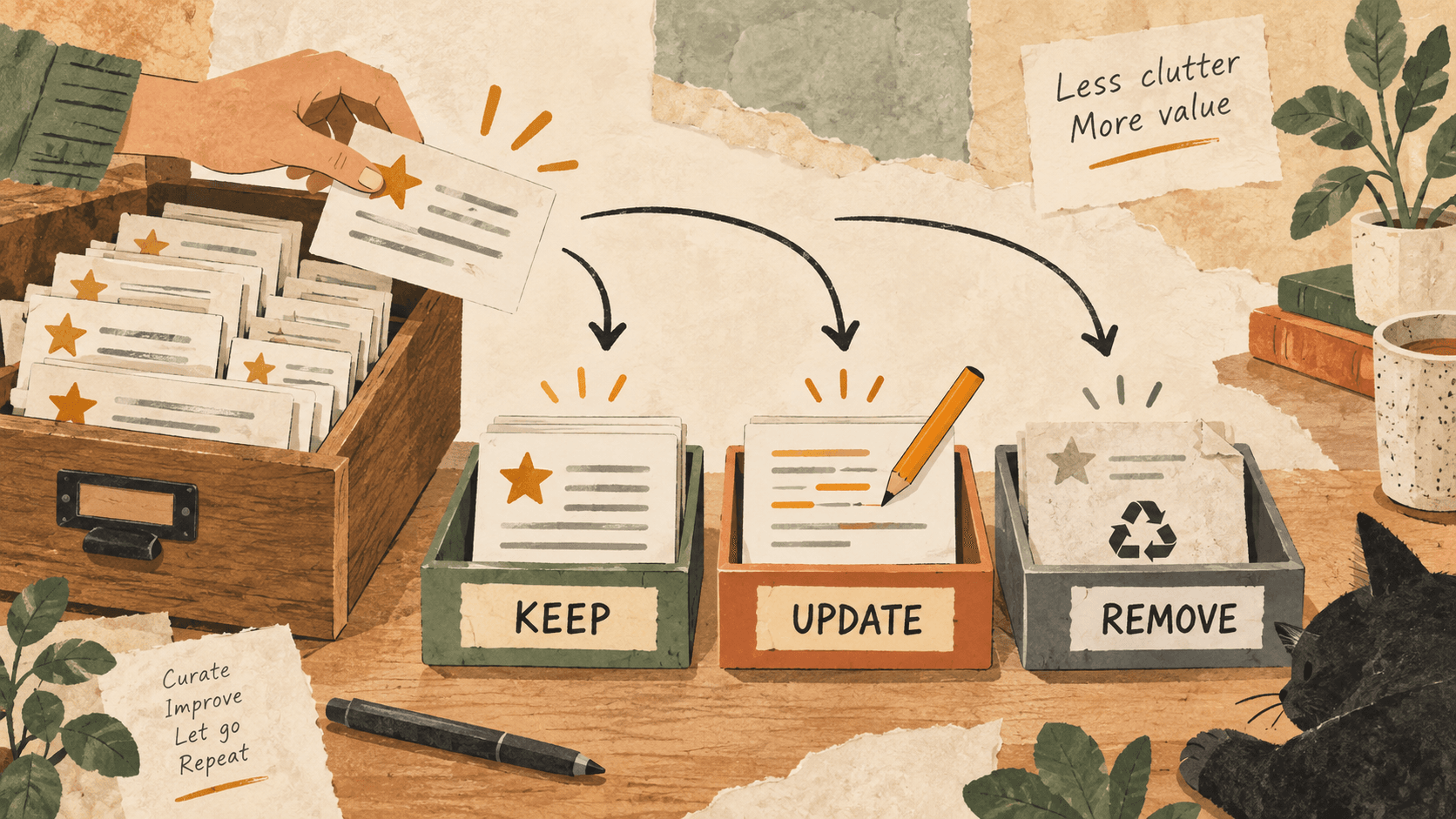
What problem does clipboard favorites maintenance solve?
Favorites are helpful when the list contains a few dependable snippets. They become harder to trust when old links, one-off replies, and several nearly identical templates accumulate.
A favorite is easy to paste precisely because it feels familiar. That familiarity makes occasional maintenance useful: the saved wording may no longer match your current process.
Why do clipboard favorites maintenance issues happen?
Temporary convenience tends to become permanent by accident. A reply is starred during a busy day, then reused weeks later without revisiting the original context.
Different versions can share the same opening sentence, making it difficult to choose the correct one from a short preview.
How can you solve it step by step?
1. Review one small category at a time
Start with email structures, project links, or repeated text labels. Avoid a rushed bulk cleanup when you cannot inspect what each clip is used for.
2. Keep stable reusable material
Retain snippets that still serve a clear purpose. Read the whole text and confirm that any links are current. Prefer a short generic structure over a complete message tied to one person.
3. Update changing details deliberately
Replace names, dates, and one-off project facts with visible placeholders in the revised text. If you maintain an approved shared template elsewhere, update that source first and save the checked version for reuse.
4. Remove obsolete favorites
Unfavorite material that is still useful as temporary history but no longer deserves prominence. Delete content that should not remain saved, using the app’s controls and your normal retention practices.
5. Try the remaining snippets in a draft
Paste the templates into a safe scratch document, inspect placeholders, and check whether similar entries are still confusing. Keep permanent records in their proper documents rather than relying on favorites.
Which common mistakes should you avoid?
- Keeping every clip “just in case” at the top of the list.
- Saving real customer details inside a generic reply structure.
- Assuming two snippets with the same first line are identical.
Which expert tips make the workflow faster?
Comparison table for clipboard favorites maintenance
| Option | Best for | Limits |
|---|---|---|
| Favorites | Frequently reused stable text | Needs occasional review |
| Ordinary history | Temporary retrieval | Can contain outdated material |
| Project documentation | Permanent approved records | Needs its own maintenance |
How does Historr make clipboard management easier?
Historr favorites pin useful clips, while Quick Look helps you inspect their full text. Search helps find similar versions before deciding which to reuse.
The app supports undo for accidental deletion, but review the intended action before relying on recovery. Keep important permanent material in its source document.
What do people ask about clipboard favorites maintenance?
Should I favorite every useful clip?
Reserve favorites for material you repeatedly reuse. Ordinary history and project notes can handle other content.
What is the difference between unfavoriting and deleting?
Unfavoriting removes the clip’s special status; deletion removes the history item. Check which action you intend before applying it.
How often should I review favorites?
Use changes in your templates, links, or workflow as a trigger. A small focused review is easier than waiting for the list to become confusing.
What is the final verdict?
A dependable favorites list contains text you understand and still use. Keep the stable parts, update the changing parts, and remove entries that no longer belong.
If you're looking for a faster way to search, organize, and reuse everything you copy, try Historr and see how much time you can save.