How to Organize AI Coding Prompts Without Losing Context
Organize AI coding prompts with reusable structures, placeholders, clipboard history, project notes, acceptance criteria, and privacy checks.

The short answerOrganize AI coding prompts in three layers: keep stable instructions in repository guidance, save reusable task structures as snippets, and use clipboard history for temporary context such as errors, file paths, and draft prompts. Add clear placeholders, constraints, and acceptance criteria. Remove secrets, refresh stale assumptions, and review every generated change with tests.
The overview
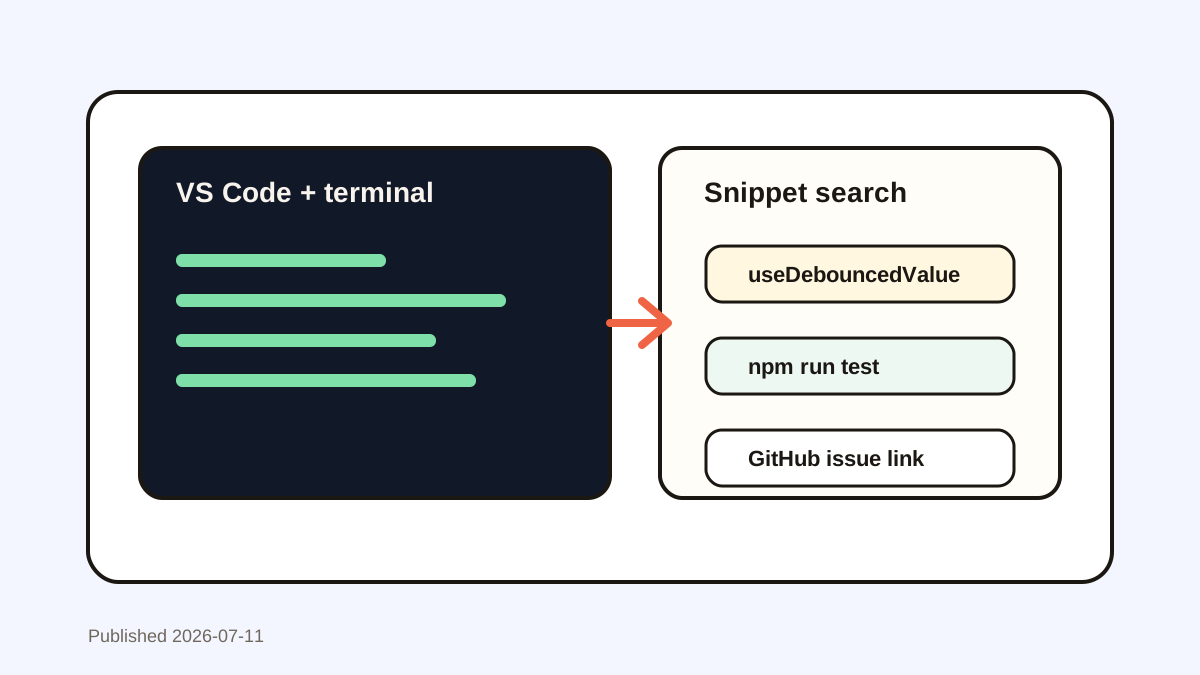
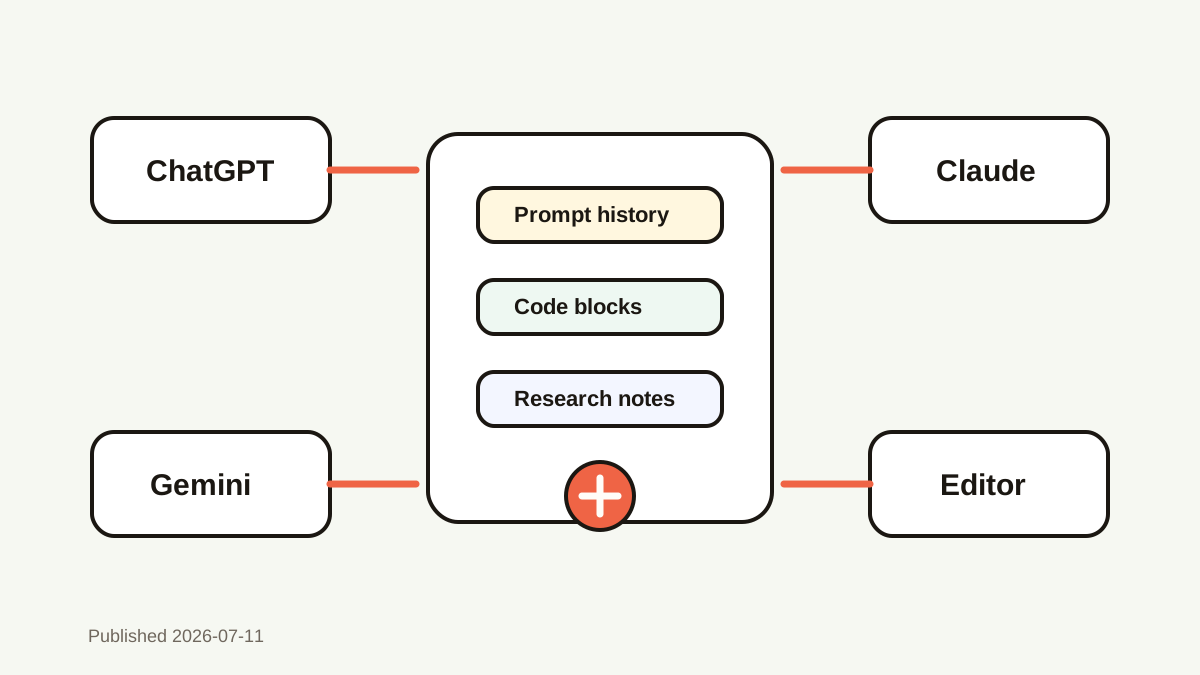
Developers copy prompts among editor, terminal, issue tracker, docs, and chat. The most useful version can disappear after one new copy.
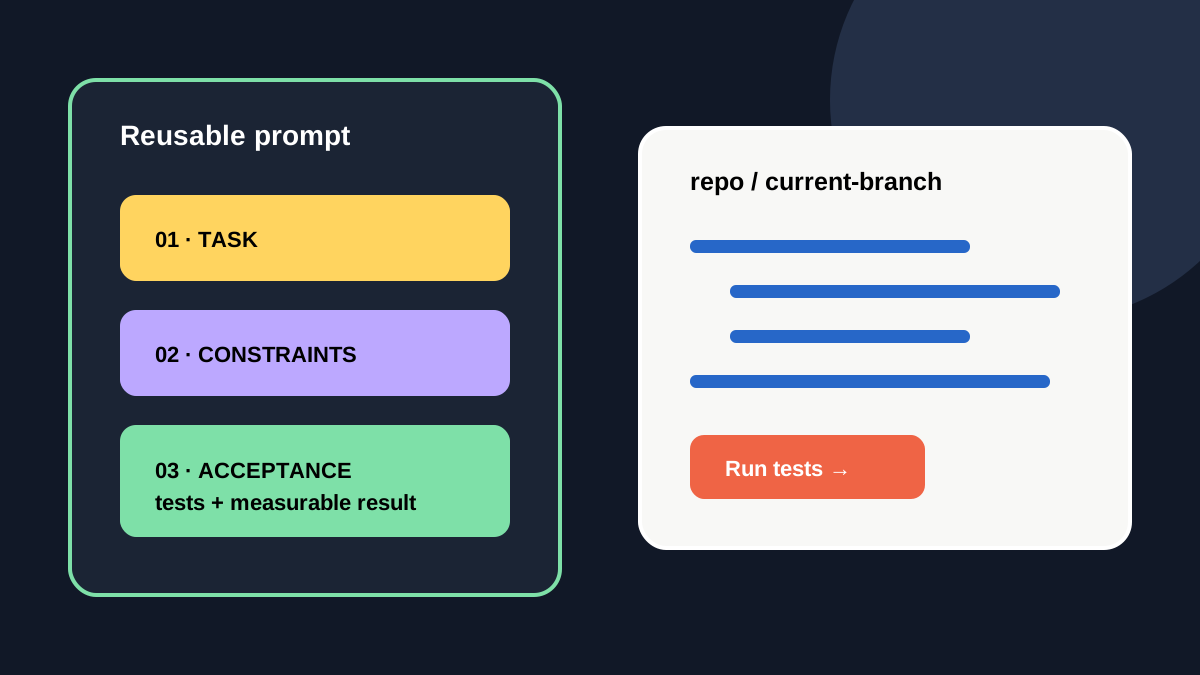
A prompt can include 3 clear parts—task, constraints, and acceptance criteria—while volatile logs and paths stay temporary.
Why it happens
Project facts change across branches and releases. A saved prompt that names an old file or API version can mislead the model.
Clipboard history is good at recovering drafts, while repo instructions and version-controlled templates are better for durable team rules.
Your step-by-step guide
Separate stable and temporary context
Keep coding standards in the repository and current errors or paths in temporary history.
Build a three-part prompt
State the task, constraints, and acceptance criteria in separate blocks.
Use visible placeholders
Mark variables such as [FILE], [ERROR], [FRAMEWORK VERSION], and [TEST COMMAND].
Review and promote
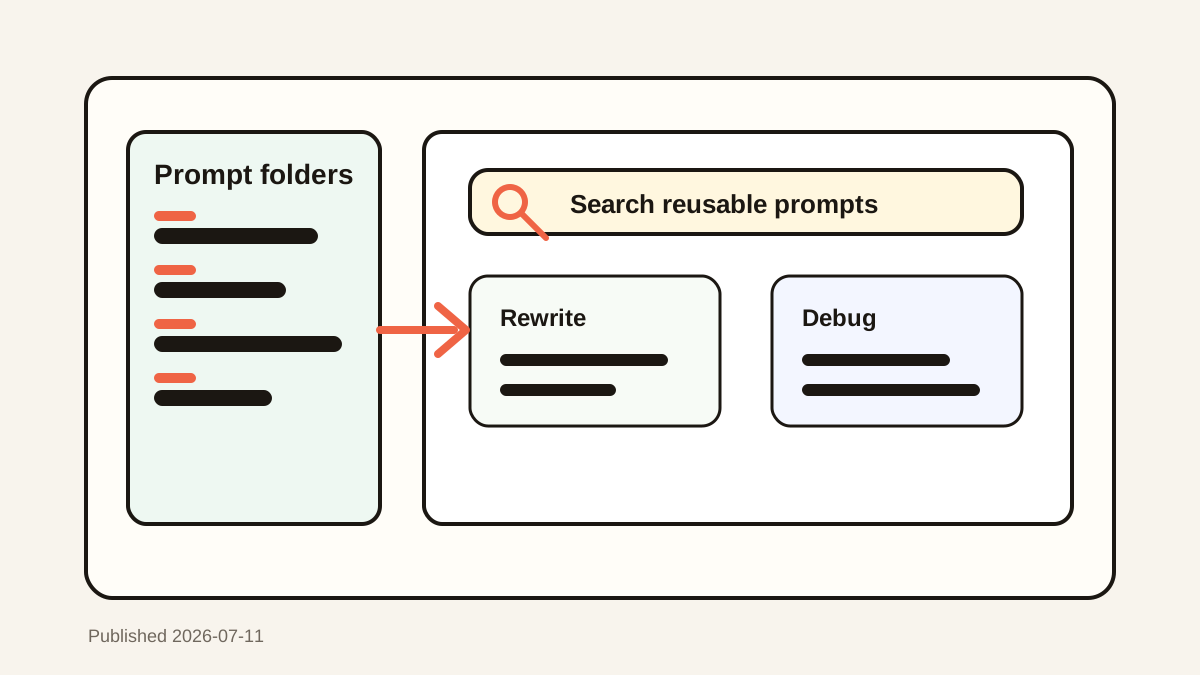
If a prompt works across several tasks, move the stable structure into editor snippets or team docs.
Common mistakes to avoid
- Saving API keys or tokens inside prompts.
- Reusing stale file paths and versions.
- Treating generated code as verified.
- Keeping team instructions only in personal clipboard history.
Small changes. A faster workflow.
- Search prompts by framework or task.
- Keep acceptance criteria measurable.
- Run tests after generated changes.
- Store team rules beside the code.
Compare your options
| Option | Best for | Limits |
|---|---|---|
| Repository guidance | Stable team rules | Not ideal for temporary logs |
| Editor snippets | Reusable prompt structures | Needs deliberate maintenance |
| Clipboard history | Prompt drafts and live context | Can retain secrets |
Repository guidance
Best forStable team rules
LimitsNot ideal for temporary logs
Editor snippets
Best forReusable prompt structures
LimitsNeeds deliberate maintenance
Clipboard history
Best forPrompt drafts and live context
LimitsCan retain secrets
Put it into practice with Historr
Historr keeps prompt drafts, error messages, code fragments, and documentation links searchable across apps.
Favorite only clean reusable structures, and leave branch-specific context in recent history.
Password-manager exclusions and sensitive expiry reduce risk, but you should still remove secrets before copying.
- Instant search
- Unlimited history
- Favorites
- Keyboard shortcuts
- Privacy
- Offline storage
- Quick preview
- Paste Stack

Keep your next good idea.
Free, private clipboard history for your Mac.
Questions, answered.
Where should AI coding prompts live?
Stable team instructions belong in the repository; reusable structures fit snippets; temporary context fits clipboard history.
What makes a prompt reusable?
Clear placeholders, constraints, acceptance criteria, and no stale project-specific facts.
Should prompts include secrets?
No. Remove credentials, tokens, private keys, and sensitive production data.
Can clipboard history replace project documentation?
No. It is a personal recovery layer, not the team source of truth.
Take it from here
Organize prompts by lifespan. Durable rules live with the code, reusable structures live in snippets, and temporary context stays searchable only as long as it remains useful.
If you're looking for a faster way to search, organize, and reuse everything you copy, try Historr and see how much time you can save.