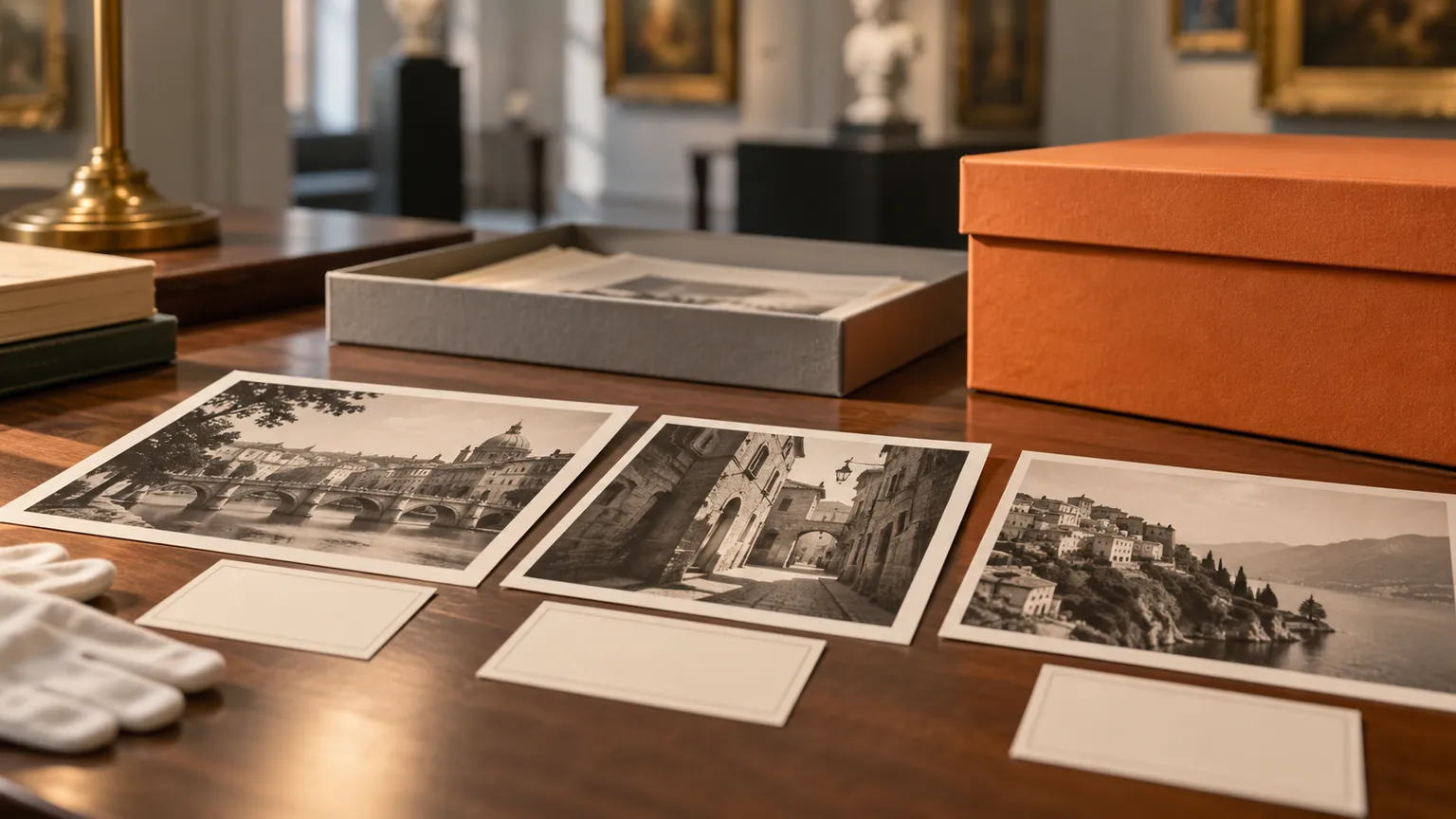
Organize Multilingual European Tourism Campaign Assets on Mac
Keep destination imagery, localized copy and approval notes together for a European tourism campaign without mixing markets or rights.

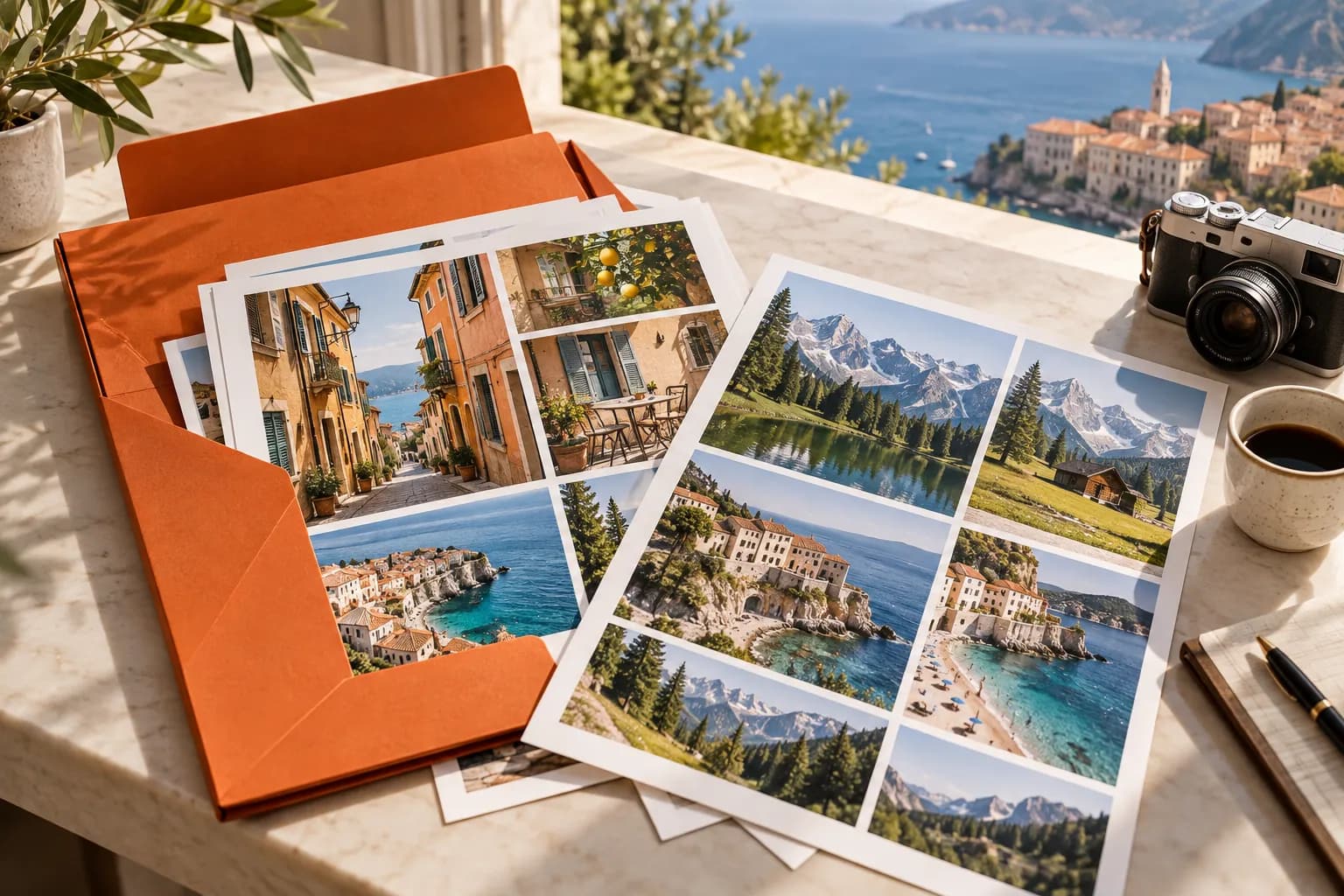
Original conceptual cover; no real customer, applicant or project data is shown.
The short answerBuild a market-by-channel asset matrix before collecting files. Use separate Historr Drag Shelves for approved photo exports, localized copy and channel variants, then compare each file with its licence and destination brief. Save the reviewed package to a durable folder. Historr stages files but cannot verify model releases, usage rights, factual travel claims or translation quality.
The overview
Tourism campaigns combine visuals, place names, seasonal facts, translated headlines and channel dimensions. Mixing even two markets can publish the wrong language or imply that an image depicts a destination it does not.
The source brief and asset register should record photographer, location, permission, approved crops and expiry where relevant. A drag surface cannot carry those decisions by itself.
Why it happens
Images and copy often arrive in separate shared folders. Historr shelves let a producer stage candidates from several locations while originals remain where they were saved.
Because shelves clear on quit, a reviewed handoff needs a saved folder and a manifest. Visual inspection also matters: filenames are weak evidence of what a photo actually shows.
Your step-by-step guide
Make a channel matrix
List destination, target language, channel, crop, image credit and approved offer or factual claim for every placement.
Collect by market
Open a shelf with Option-Shift-D for one market and add only approved exports. Keep other languages or channels in separate shelves.
Review in context
Preview each image and read its paired copy. Confirm the actual location, caption, seasonal claim, crop and asset-register permission with the campaign owner.
Save the handoff
Save a versioned folder containing exports and the matrix. Give the publisher a clear naming convention, then inspect the staged page or email before launch.
Common mistakes to avoid
- Using a similar-looking destination photo for the wrong place.
- Treating a stock download receipt as proof every channel is licensed.
- Handing off market variants without a language and channel manifest.
Small changes. A faster workflow.
- Include destination and locale in filenames.
- Keep image credit and permission beside the asset.
- Inspect the final crop in each channel.
Compare your options
| Option | Best for | Limits |
|---|---|---|
| Historr shelf | Staging scattered creative exports | No rights or fact checking |
| Asset register | Permissions and location metadata | Requires upkeep |
| Channel preview | Checking real crop and copy | Happens late in workflow |
Historr shelf
Best forStaging scattered creative exports
LimitsNo rights or fact checking
Asset register
Best forPermissions and location metadata
LimitsRequires upkeep
Channel preview
Best forChecking real crop and copy
LimitsHappens late in workflow
Put it into practice with Historr
Historr's free shelf helps a small campaign team collect approved files quickly from Finder without reorganizing everyone's master folders. Outgoing drags copy the originals.
It is a temporary assembly area, not an asset rights database. Save the package and keep the approval matrix alongside it.
- Collect files & folders
- Images, links & text
- Multiple shelves
- Quick Look
- Save to Folder
- Compress to ZIP
- Resize Images
- Extract Text

Give your next drag a place to land.
Drag Shelf is included in Historr 0.1.5 and later.
Questions, answered.
Can Historr confirm a photograph's location?
No. Check the photographer's metadata and campaign asset register.
Can I keep several markets separate?
Yes, use distinct shelves during the session and save each reviewed batch to a folder.
Does a shelf verify image usage rights?
No. Review the licence and any releases for the intended channel and term.
Take it from here
A strong tourism handoff tells the publisher what each image shows, where it may be used and which localized copy belongs beside it.
For supported actions, shortcuts, and settings, see the Drag Shelf documentation.
Continue with these guides
- Licensed cultural images
A deeper guide to checking image-specific reuse statements.
- Creative Commons attribution guidance
A practical external reference when Creative Commons material is included.