Paste Alternative for Writers: Recover Every Useful Draft
Use Historr as a Paste alternative for writers to recover draft fragments, search research links, preview text, transform copy, and keep history local.


The short answerHistorr is a useful Paste alternative for writers who work mainly on Mac. It keeps copied paragraphs, titles, links, quotations, and screenshots searchable, provides a full Quick Look preview, supports clean text transforms, and stores history locally. It helps recover working fragments but does not replace document version history, notes, or citation records.
The overview
Writers move between browser, PDF, notes, editor, CMS, email, and feedback tools.
Copying is often part of revision rather than simple transfer. Several versions of the same paragraph may exist briefly, and the useful one can be overwritten.
A Paste alternative for writers should make long text easy to identify without encouraging clipboard history to become the only archive.
Why it happens
Drafting is iterative, so copied text carries versions, alternatives, and source material.
The standard clipboard keeps the latest item. A searchable manager provides short-term memory across apps, while the document system remains responsible for durable versions.
Your step-by-step guide
Search by the phrase you remember
Use a distinctive line, name, source domain, or title fragment to recover a copied passage quickly.
Preview the full passage
Press Space in Historr to confirm the beginning, ending, and paragraph breaks before inserting it.
Paste cleanly
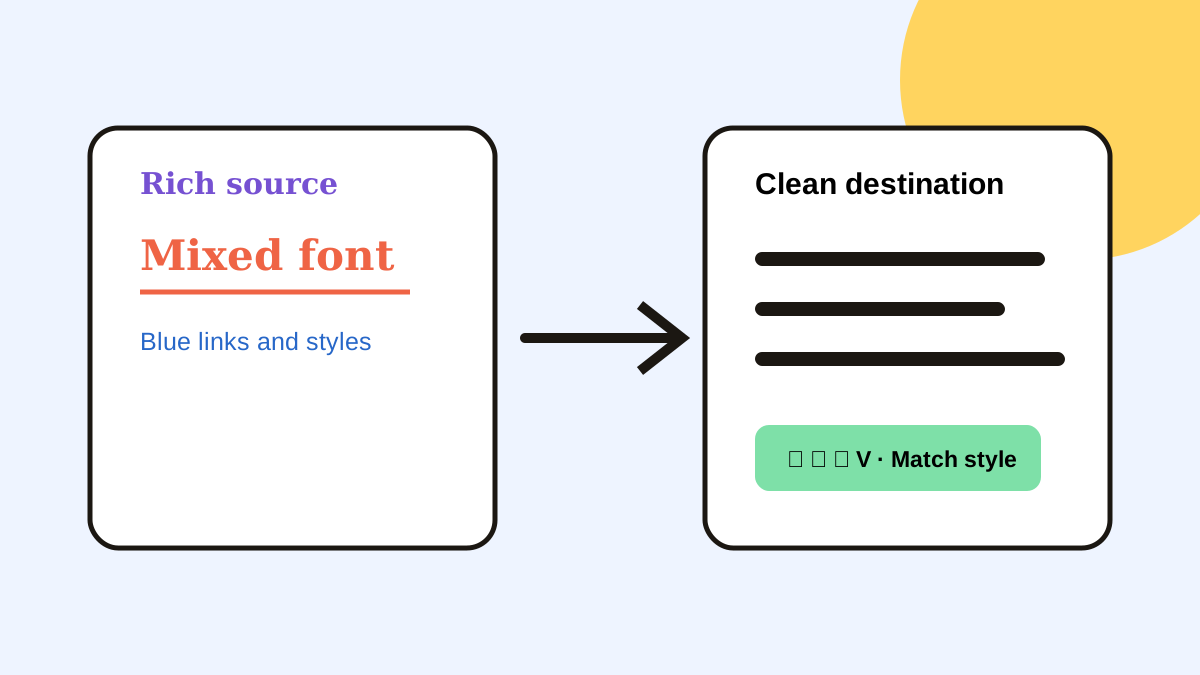
Use trimmed or case transforms when copied formatting, whitespace, or capitalization does not fit the destination.
Favorite only reusable text
Keep bios, disclosure language, safe templates, and publishing links as favorites. Move draft content into a document.
Preserve source context
Record the author, URL, title, or page number with any quotation that may enter published work.
Common mistakes to avoid
- Treating clipboard history as document version control.
- Saving a quotation without its source.
- Pasting an older near-duplicate paragraph without previewing it.
- Keeping confidential interview material longer than necessary.
Small changes. A faster workflow.
- Search by distinctive phrases.
- Preview paragraph endings.
- Favorite stable boilerplate only.
- Move valuable fragments into the draft promptly.
Compare your options
| Option | Best for | Limits |
|---|---|---|
| Historr | Local draft recovery and keyboard reuse | Not a durable writing archive |
| Paste | Organized pinboards across Apple devices | May exceed a Mac-only workflow |
| Document version history | Durable draft versions | Does not capture cross-app fragments |
Historr
Best forLocal draft recovery and keyboard reuse
LimitsNot a durable writing archive
Paste
Best forOrganized pinboards across Apple devices
LimitsMay exceed a Mac-only workflow
Document version history
Best forDurable draft versions
LimitsDoes not capture cross-app fragments
Put it into practice with Historr
Historr gives writers a searchable local trail of copied paragraphs, titles, research links, feedback, and screenshots.
Quick Look reduces wrong-version pastes, favorites keep safe boilerplate close, and transforms help clean text before it enters a CMS or document.
Because Historr is local-only, drafts are not sent to a clipboard sync service. Confidentiality still depends on device security and sensible deletion.
- Instant search
- Unlimited history
- Favorites
- Keyboard shortcuts
- Privacy
- Offline storage
- Quick preview
- Paste Stack

Keep your next good idea.
Free, private clipboard history for your Mac.
Questions, answered.
Can Historr recover a copied paragraph?
Yes, if Historr was running when the paragraph was copied and it has not been deleted or expired.
Does Historr replace version history?
No. Clipboard history supports temporary recovery, while the writing app or version system preserves durable drafts.
Can writers paste without source formatting?
Historr offers text transforms, including trimming and case changes. Destination apps may also provide paste-and-match-style commands.
Is Historr private for unpublished work?
Historr stores history locally with no account or cloud sync, but the Mac and its backups still need appropriate protection.
Take it from here
Historr is a focused Paste alternative for writers who want a fast recovery layer on Mac. Use it to catch working fragments, then move anything important into a properly saved draft with source context.
If you're looking for a faster way to search, organize, and reuse everything you copy, try Historr and see how much time you can save.