Prepare Classroom Handouts From Different Mac Folders
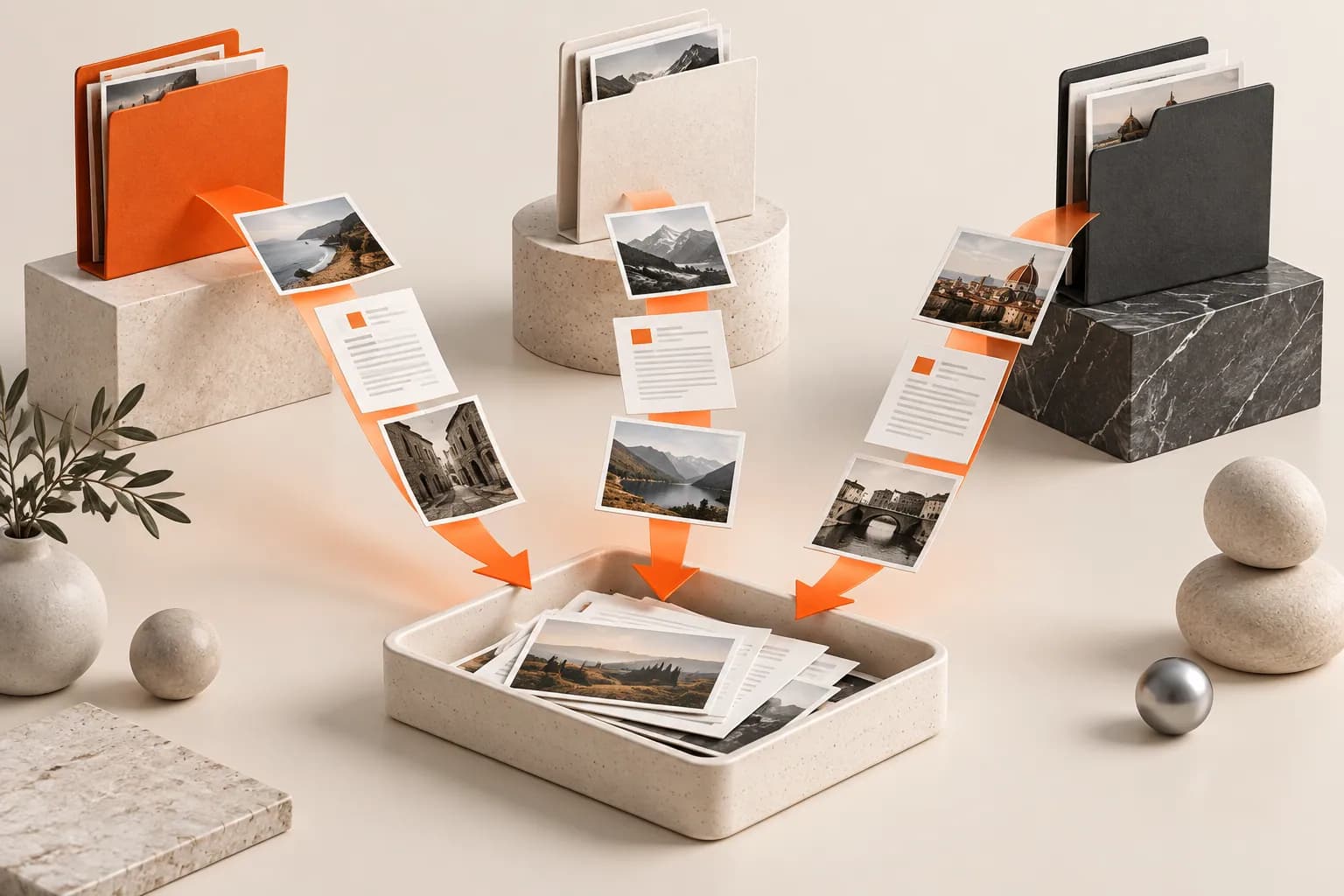
Stage lesson PDFs, worksheets and a rubric from separate folders, check versions, then save a durable class package without moving originals.


Original conceptual image created for this guide; no real documents or personal details are shown.
The short answerA teacher can open a Historr Drag Shelf, add the final lesson PDF, worksheet and rubric from separate folders, and review the batch before saving it to a class folder or dropping it into a compatible learning platform. The shelf keeps original files in place but clears on quit. Check accessibility, student privacy and the platform's upload results before publishing.
Why do lesson files get mixed up?
An old answer key or staff-only rubric can sit beside the student version. A fast drag without a content check can expose material that was never meant for the class.
A shelf helps gather files, but the final student experience depends on the learning platform and the documents themselves.
What does a Drag Shelf actually stage?
Historr's shelf can collect files from multiple folders without moving the source documents. Its Quick Look preview helps identify a candidate file before delivery.
The shelf is temporary. It does not convert documents into accessible formats or manage student permissions; those are separate publication steps.
How do you prepare a class-ready batch?
Choose student-facing versions
Check document titles, dates and whether the answer key or teacher notes belong in a separate staff location.
Stage the batch
Press Option-Shift-D and drag each approved file from Finder to the shelf. Give the shelf the lesson or class name if multiple sets are open.
Preview for obvious errors
Expand the shelf and Quick Look the worksheet and rubric. Confirm page count, visible instructions and that no private student information is embedded.
Publish and verify
Save to a durable class folder or drag to a compatible learning platform. Open the uploaded files as a student would and check access and readability.
Common mistakes to avoid
- Uploading a teacher-only answer key with student handouts.
- Assuming Quick Look proves a document is accessible.
- Closing Historr before saving the only generated package.
Where should student files live?
- Keep staff and student exports in separate source folders.
- Use the platform's preview after upload.
- Retain the final lesson set in a durable class folder.
Compare your options
| Option | Best for | Limits |
|---|---|---|
| Historr shelf | Staging files from scattered folders | No permission or accessibility audit |
| Class folder | Permanent lesson set | Requires version control |
| Learning platform | Student distribution | Upload and access must be verified |
Historr shelf
Best forStaging files from scattered folders
LimitsNo permission or accessibility audit
Class folder
Best forPermanent lesson set
LimitsRequires version control
Learning platform
Best forStudent distribution
LimitsUpload and access must be verified
Put it into practice with Historr
Historr offers a free, quick collection step for lesson assets. Its shelf can hold the chosen files while the teacher checks a class set before publishing.
The app does not create the lesson or decide what students should see. Keep final documents and permissions in the school's approved systems.
- Collect files & folders
- Images, links & text
- Multiple shelves
- Quick Look
- Save to Folder
- Compress to ZIP
- Resize Images
- Extract Text

Give your next drag a place to land.
Drag Shelf is included in Historr 0.1.5 and later.
Questions, answered.
Will the original worksheets move?
No. Existing files remain in their original Finder locations.
Can I stage PDFs from different folders?
Yes. Add each file to the same temporary shelf, then review the batch.
Does Historr set student permissions?
No. Configure and verify permissions in the learning platform.
Do shelves persist after quitting?
No. Save the class package to a durable destination first.
Take it from here
Gathering handouts is a small part of publishing a lesson. Historr can simplify that step while the teacher remains responsible for versions, access and readability.
For supported actions, shortcuts, and settings, see the Drag Shelf documentation.