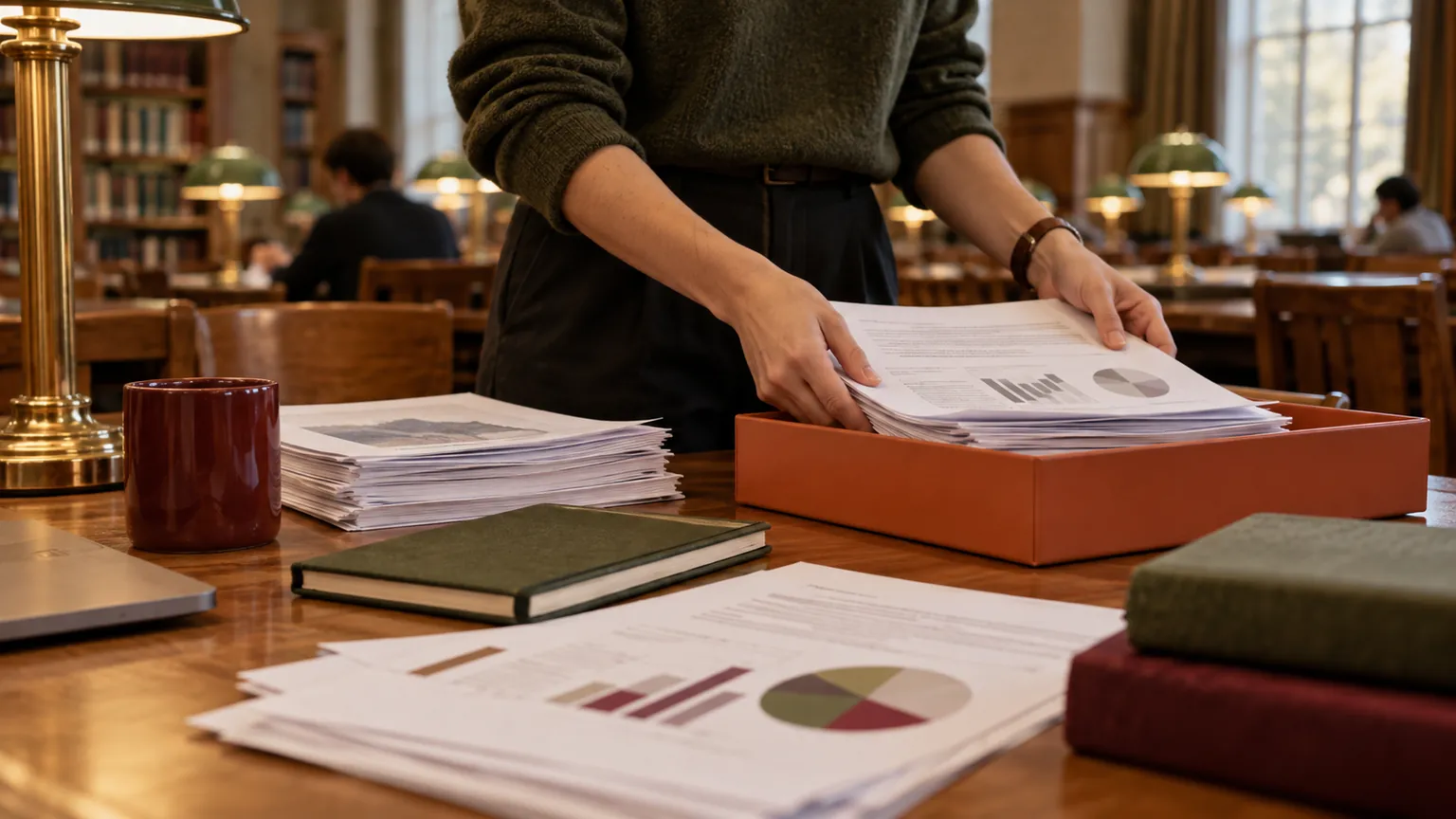
Gather Research Figures and Supplement Files on Mac
Stage manuscript figures, tables and supplementary files from separate folders, then verify versions, metadata and the journal's requirements.

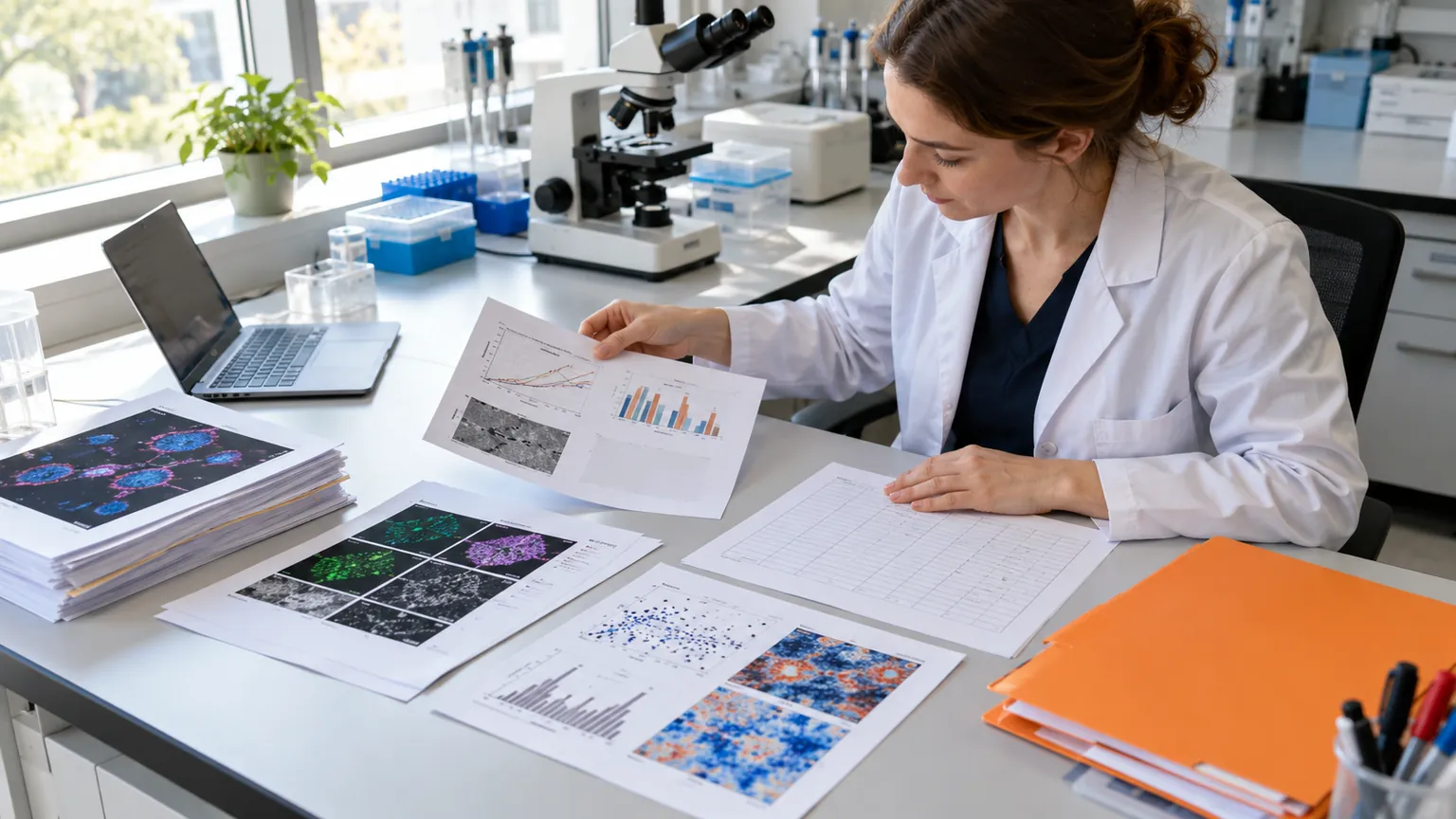
Original conceptual cover. No real client, speaker, research or archive data is shown.
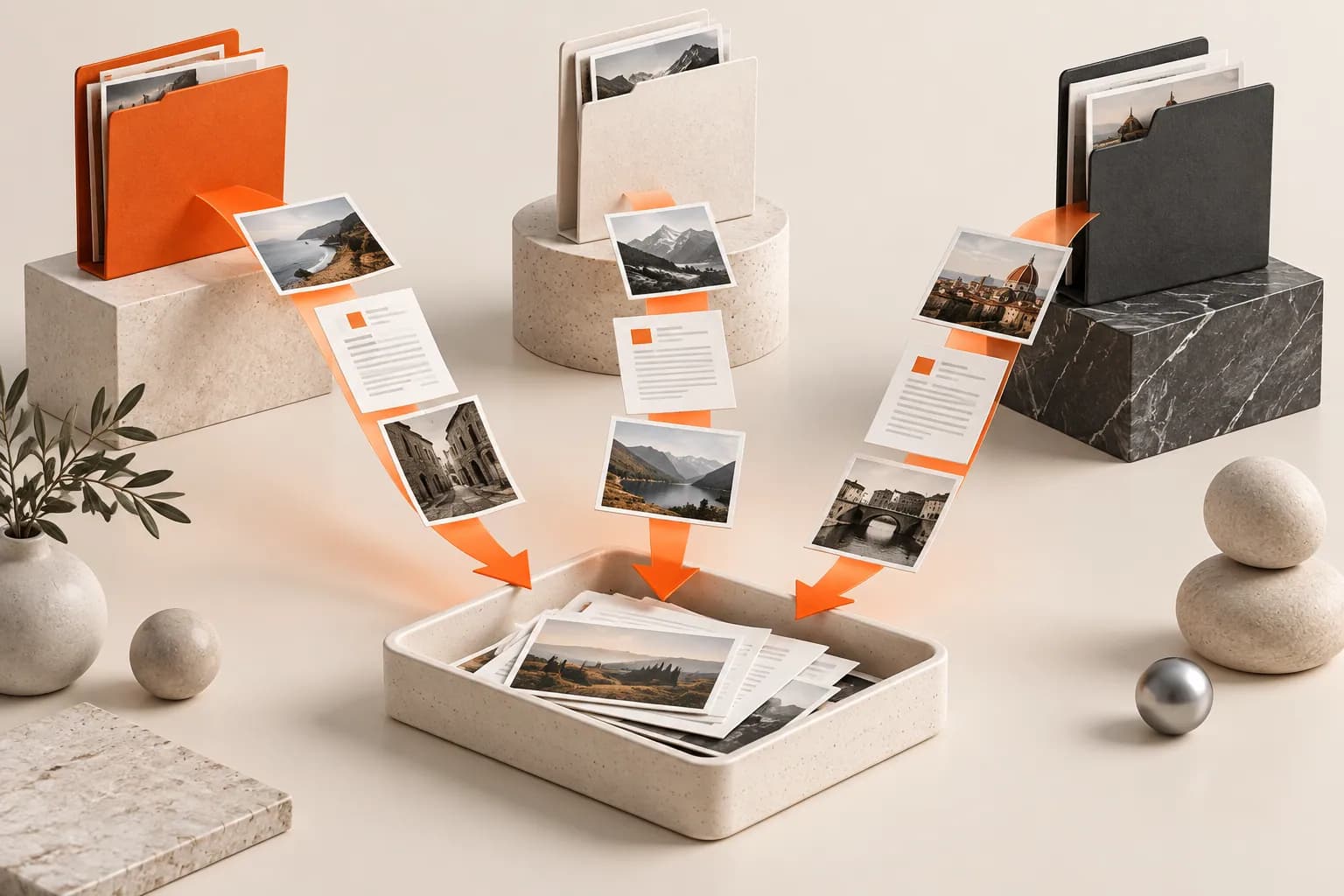
The short answerBefore a manuscript handoff, list every required figure, table and supplement in a manifest. Add the approved exports to a Historr Drag Shelf from their different Finder folders, inspect names and versions, then save a durable package for the corresponding author. Follow the target journal's current submission requirements for format, resolution, data and captions. Historr does not validate scientific results, citations or submission rules.
Why do manuscript handoffs miss files?
A polished plot is not necessarily the approved plot. Revisions to analyses can change axes, labels or supplement numbering after an image was exported.
Submission requirements vary by journal and can change. A durable manifest should identify the target journal's current instructions and the exact file version submitted.
What can a shelf not verify?
Historr's shelf can stage local files from several locations without moving their originals, then copy the selected batch to a durable destination.
The shelf is temporary and clears on quit. Open Research Europe's research-article guidance illustrates why figures, legends, formats and reuse permissions need publisher-specific review. Requirements for another journal may differ.
How do you build a checked submission batch?
Build the submission manifest
List each figure and supplement by manuscript order, source analysis, revision and intended file format. Include the target journal's current instructions.
Collect approved exports
Open a shelf with Option-Shift-D and add the final files from each source folder. Keep raw data and internal working exports separate from the submission batch.
Check every item
Expand the shelf, preview files and compare numbering, labels and captions with the manuscript. Open data or image files in appropriate tools where a preview is insufficient.
Save and submit through the proper process
Save the approved batch to a durable project folder, then upload it through the journal's platform. Verify the uploaded proofs and preserve the exact submitted version.
Common mistakes to avoid
- Using a figure export from an earlier analysis.
- Assuming a preview proves scientific or technical correctness.
- Leaving the only supplementary package in a temporary shelf.
Where should the submitted version live?
- Match figure numbers to manuscript references.
- Keep raw data and derived submission exports distinct.
- Recheck the journal's live instructions before upload.
Compare your options
| Option | Best for | Limits |
|---|---|---|
| Historr shelf | Staging scattered final candidates | No scientific or journal validation |
| Manifest and project archive | Versioned submission record | Requires disciplined updates |
| Journal portal | Actual submission | Can reject incorrect formats |
Historr shelf
Best forStaging scattered final candidates
LimitsNo scientific or journal validation
Manifest and project archive
Best forVersioned submission record
LimitsRequires disciplined updates
Journal portal
Best forActual submission
LimitsCan reject incorrect formats
Put it into practice with Historr
Historr's free Drag Shelf is useful when a corresponding author needs to review files gathered from several collaborators and folders. Source files remain in place while the batch is staged.
Use the shelf to prepare the transfer, then rely on the manuscript, analysis record and journal instructions for content validation.
- Collect files & folders
- Images, links & text
- Multiple shelves
- Quick Look
- Save to Folder
- Compress to ZIP
- Resize Images
- Extract Text

Give your next drag a place to land.
Drag Shelf is included in Historr 0.1.5 and later.
Questions, answered.
Can Historr check journal figure requirements?
No. Use the target journal's current author instructions.
Will original research files move?
No. Existing files stay in their source locations and outgoing drags copy them.
Can I keep supplements in the shelf permanently?
No. Save the package to a durable folder before quitting Historr.
Does a preview confirm scientific accuracy?
No. Check figures against source analyses, captions and the manuscript.
Take it from here
A strong research handoff combines a complete file batch with a traceable version record. The shelf gathers; the manifest and submission process verify.
For supported actions, shortcuts, and settings, see the Drag Shelf documentation.
Continue with these guides
- Gather research PDFs for reading
Keep reference gathering separate from submission files.
- Open Research Europe figure guidance
See a concrete publisher example, then follow your target journal's current instructions.