Best Clipboard Manager for Mac by Workflow: Writers, Developers and Designers
The best clipboard manager for Mac depends on your work. What writers, developers and designers each need, and which features matter most for each.

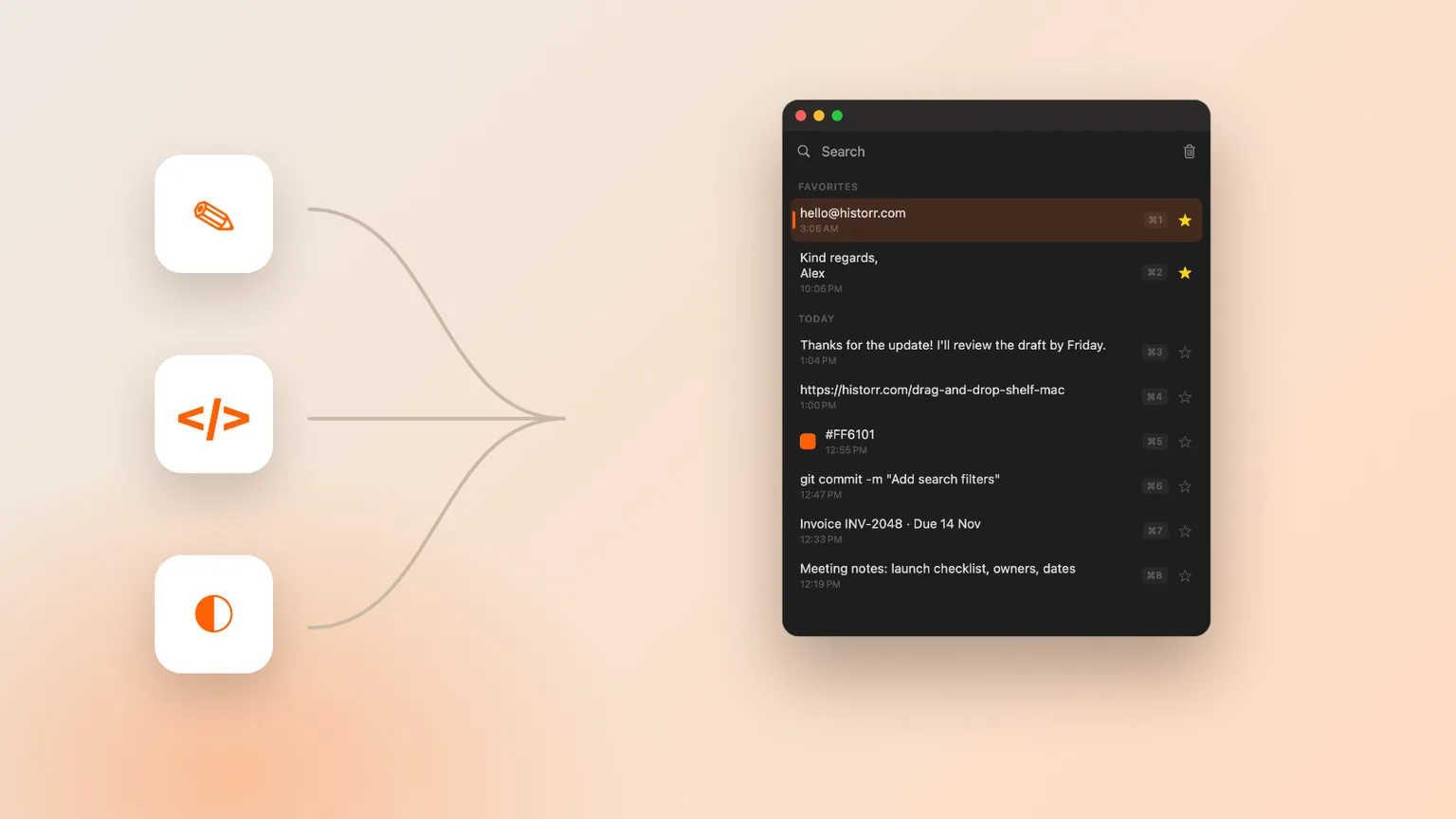
Original cover made from Historr screenshots with sample data.
The short answerThe best clipboard manager for Mac is the one that matches what you copy most. Writers need plain-text paste and favorites for reusable phrases; developers need fast search, a Paste Stack and safe handling of tokens; designers need image history and color values. Historr covers all three for free: plain-text and other paste transforms, a sequential Paste Stack, auto-expiring secrets, image history and hex color previews.
Why one ranking does not fit everyone
A writer moves paragraphs between documents and fights formatting. A developer copies commands, error messages and API keys. A designer copies screenshots, hex codes and spacing values.
A feature that is essential for one of them is noise for another. So instead of a single winner, here is what to look for in each case.
There is overlap, of course. Everyone benefits from fast search, local storage and a single shortcut. Those are the baseline. The differences are in the second layer of features, and that is where your choice should be made.
What each workflow copies
Writers copy styled text, which brings fonts and links with it. The fix is a reliable paste as plain text, plus favorites for phrases you reuse, like a bio or sign-off.
Developers copy sensitive strings. A clipboard manager that keeps a token in history for weeks is a liability, so automatic expiry matters as much as search. Designers need images and colors to be first-class, not just text.
Developers also paste into forms and terminals in sequence: a hostname, a username, a port. A Paste Stack that queues those values and pastes them one by one turns a fiddly task into a few keystrokes.
Pick by workflow
Writers
Look for paste as plain text, trimmed text, favorites and quick search. In Historr, right-click any item and choose Paste as, Plain Text.
Developers
Look for keyboard-first search, a Paste Stack for multi-field forms, pretty JSON formatting and automatic removal of tokens. Historr does all four.
Designers
Look for image and screenshot history with previews and color awareness. Historr shows a swatch for hex colors and can copy them as RGB.
Everyone
Insist on local storage, a single shortcut to open history, and a sensible default history size.
Common mistakes to avoid
- Choosing by star rating instead of by what you copy.
- Developers keeping API keys in permanent history.
- Designers using a text-only clipboard manager.
Small changes. A faster workflow.
- Try a tool for a full working week before deciding.
- Note the three things you copied most yesterday; choose for those.
- Prefer free and local first; pay only for a feature you will use daily.
Compare your options
| Option | Best for | Limits |
|---|---|---|
| Writers | Plain-text paste, favorites, search | Rarely need images or sync |
| Developers | Paste Stack, JSON formatting, secret expiry | Should avoid cloud history for tokens |
| Designers | Image history, color previews | Text-only tools fall short |
Writers
Best forPlain-text paste, favorites, search
LimitsRarely need images or sync
Developers
Best forPaste Stack, JSON formatting, secret expiry
LimitsShould avoid cloud history for tokens
Designers
Best forImage history, color previews
LimitsText-only tools fall short
How Historr fits each workflow
Historr is free and covers the core of all three workflows in one menu-bar app: transforms for writers, Paste Stack and auto-expiring secrets for developers, and image history with color swatches for designers.
It also includes a Drag Shelf for collecting files, which designers and writers use for handoffs. Everything stays on your Mac.
Because it is free, you can install it for a week, check it against your own workflow, and keep it only if it earns its place.
- Instant search
- Unlimited history
- Favorites
- Keyboard shortcuts
- Privacy
- Offline storage
- Quick preview
- Paste Stack

Keep your next good idea.
Free, private clipboard history for your Mac.
Questions, answered.
What is the best clipboard manager for Mac in general?
For most people, a free local app with fast search, plain-text paste and image history. Historr fits that description.
What is the best clipboard manager for developers on Mac?
One with keyboard-first search, a Paste Stack, JSON formatting and automatic removal of tokens, such as Historr.
What is the best clipboard manager for writers?
One that pastes plain text reliably and lets you favorite reusable phrases.
Do designers need a special clipboard manager?
They need one that saves images and screenshots and understands color values.
Can one clipboard manager serve a whole team?
Yes, if each person installs it on their own Mac. Historr keeps history local, so nothing is shared between team members by accident.
Choose for your work
Ignore generic rankings. Look at what you copy most, choose the features that serve it, and you will find the best clipboard manager for your Mac.
If you're looking for a faster way to search, organize, and reuse everything you copy, try Historr and see how much time you can save.
Continue with these guides
- Clipboard history for designers
A deeper look at visual workflows.
- Best free clipboard manager for Mac
Everything Historr includes for free.